An AI design partner that’s on the same page as you. Literally.
14 day free trial. No credit card required.
Design in Squarespace by describing your idea.
Compose understands your site and turns your boldest ideas into working designs.
-

Loading animation
-
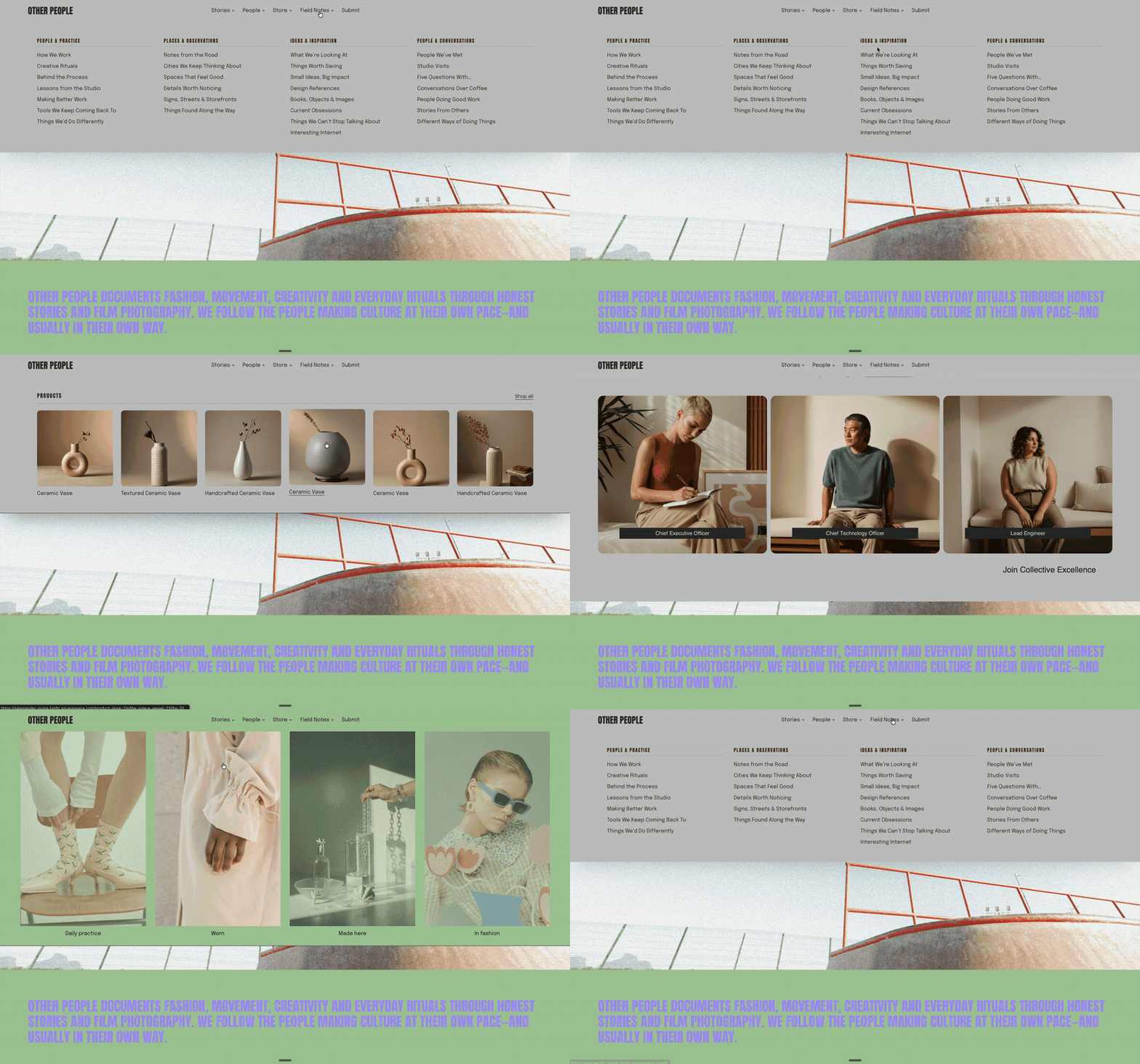
Dynamic Mega Menus
-
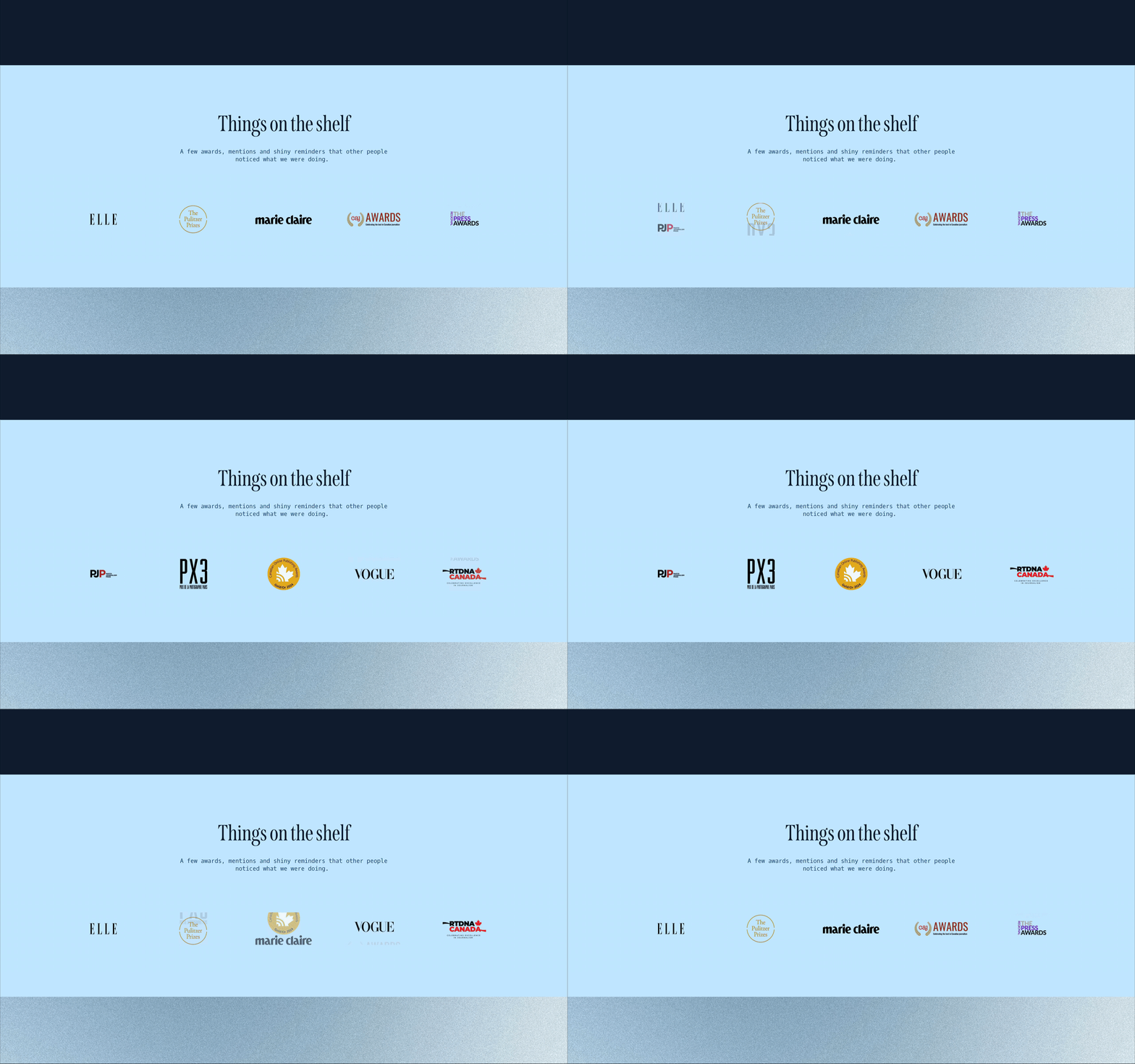
Rotating logo gallery
-

Chainwheel Navigation Menu
-
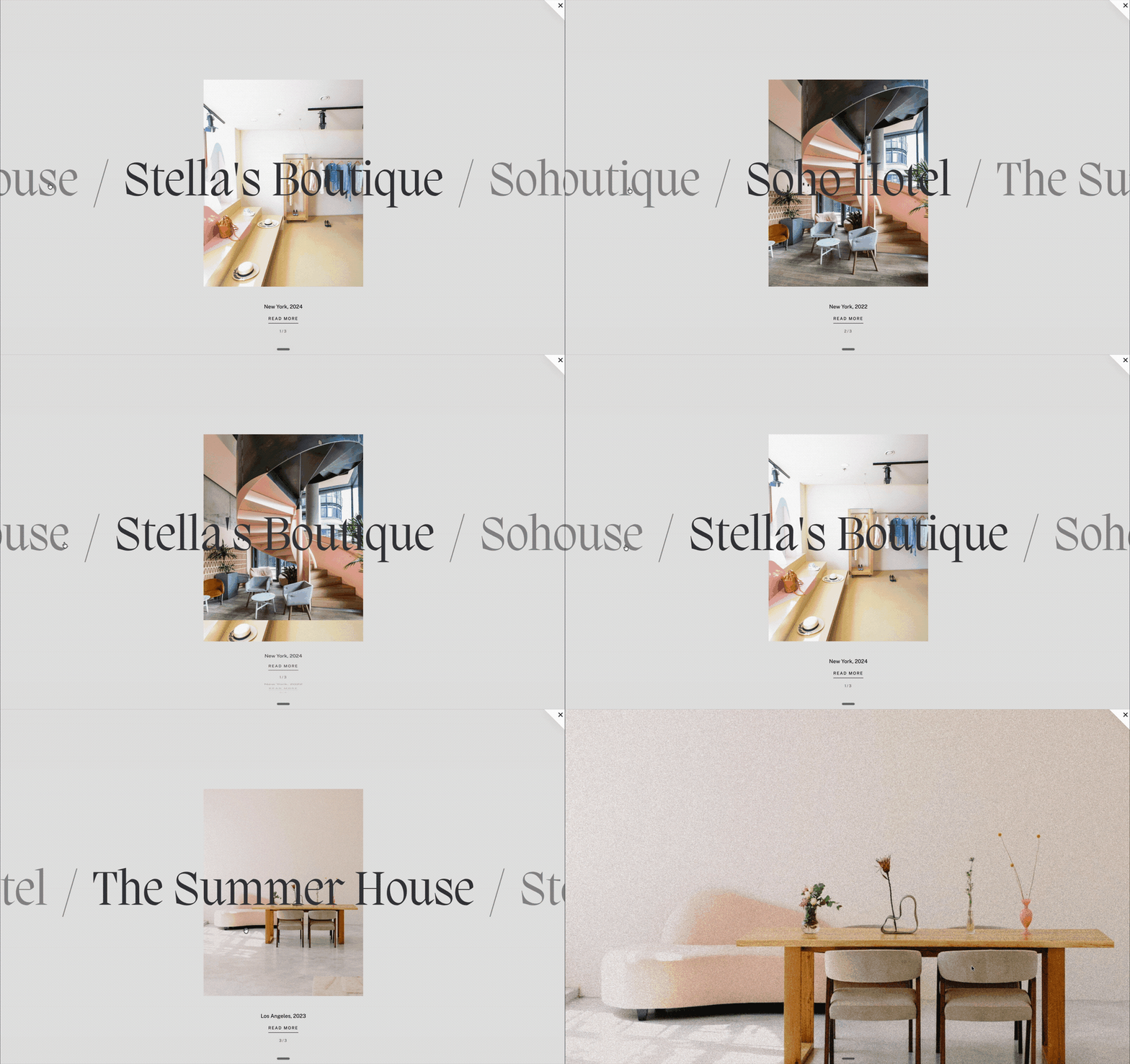
Interactive Project Carousel
-
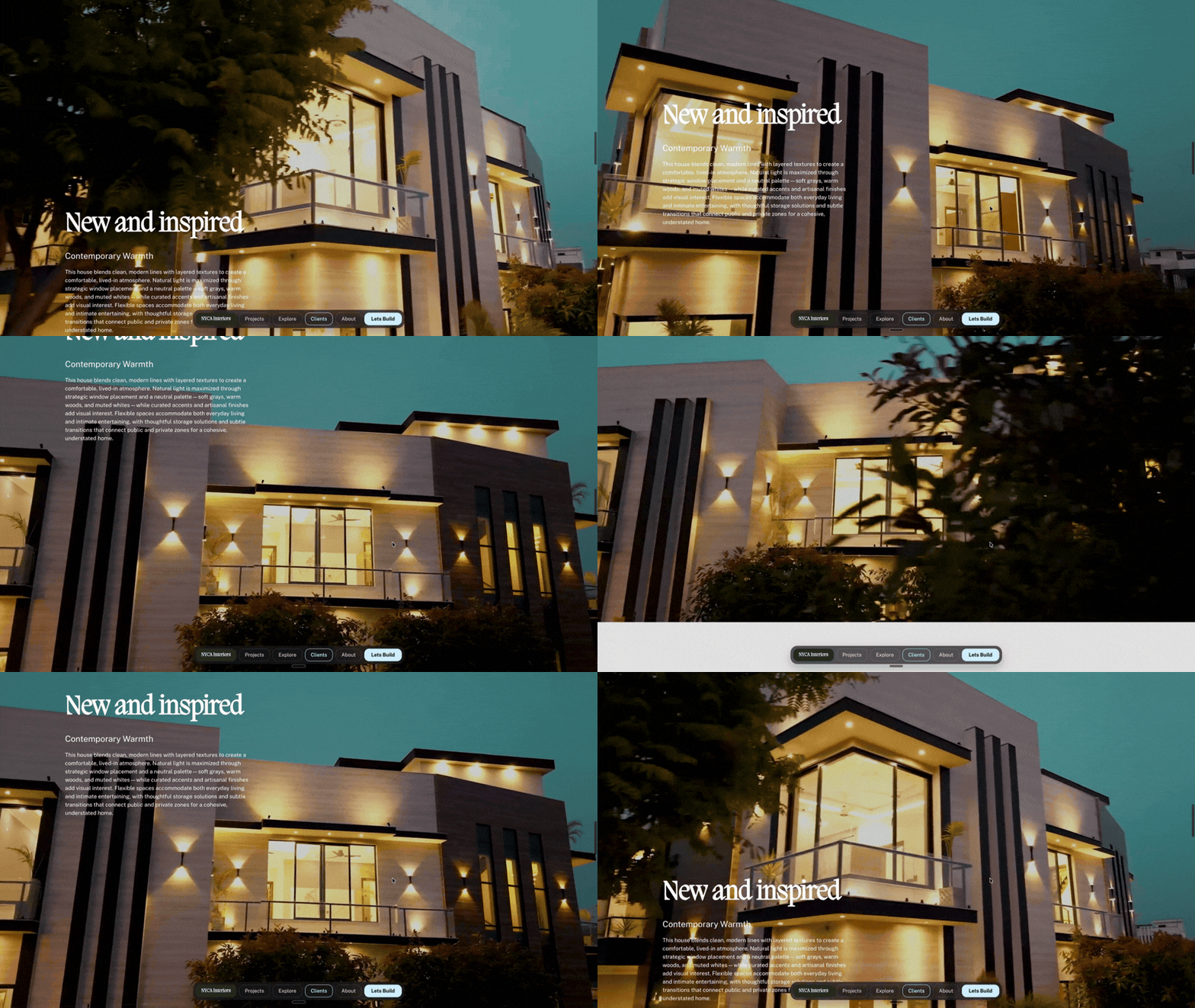
Video Play on Scroll
-
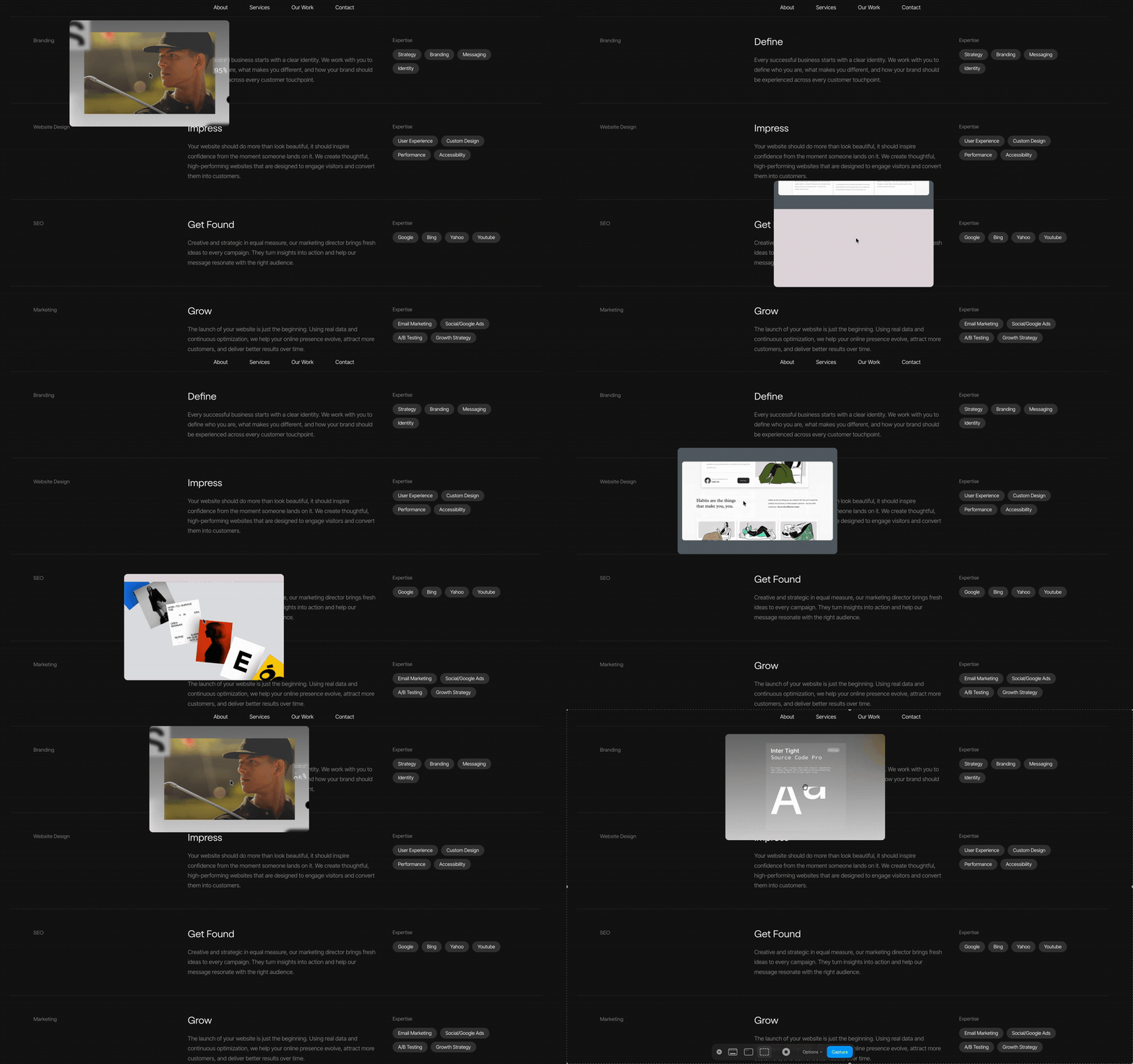
Interactive Cursor Portfolio List
-

Horizontal Image Accordion
-

Pop-Up Navigation
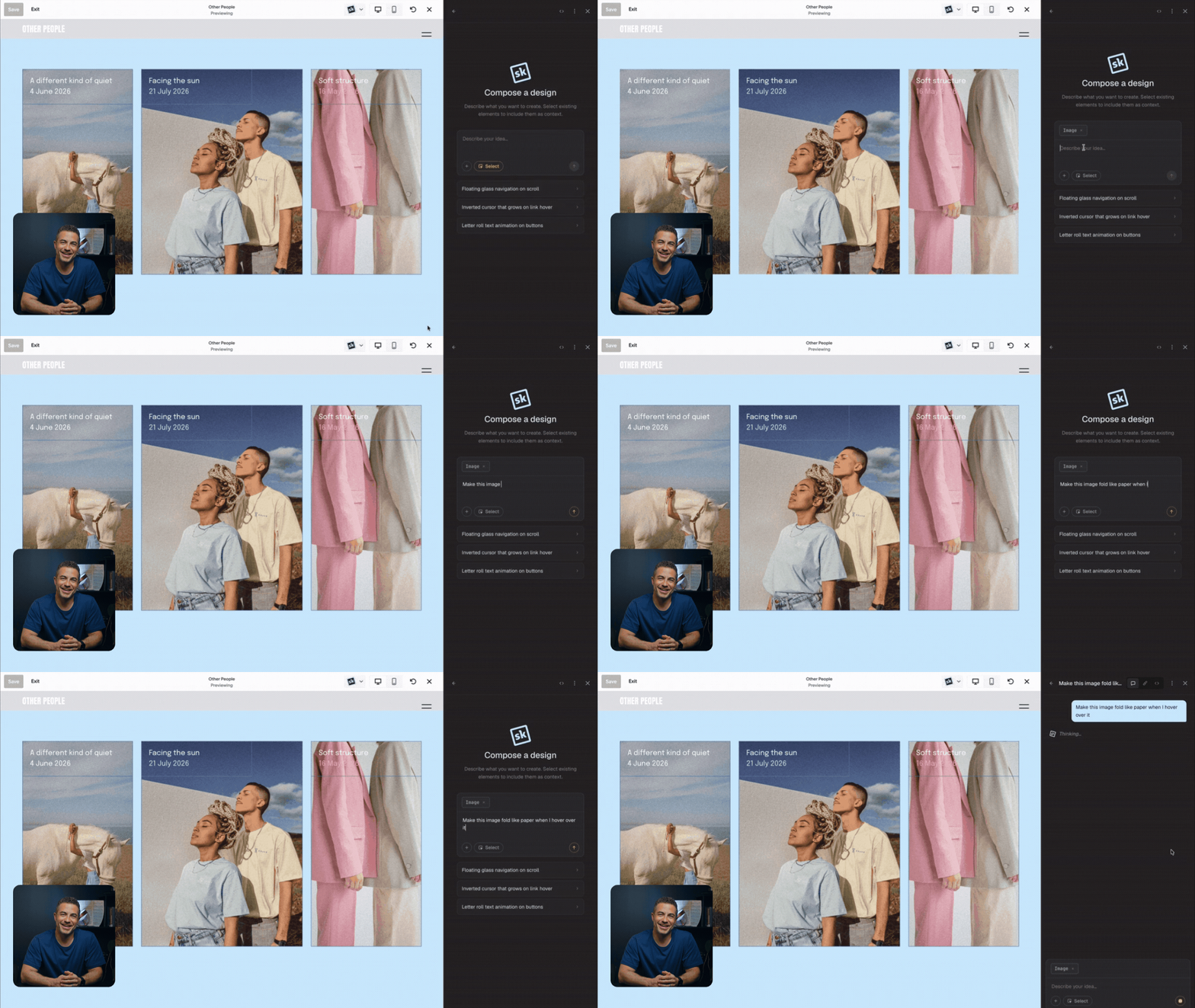
“For the first time since I have been building websites, I have finally been able to truly unleash my creativity. Anything I can think, it can create.”

— Michael Brodzik | Vative Creative
14 day free trial. No credit card required.
Conversation
Take your ideas further.
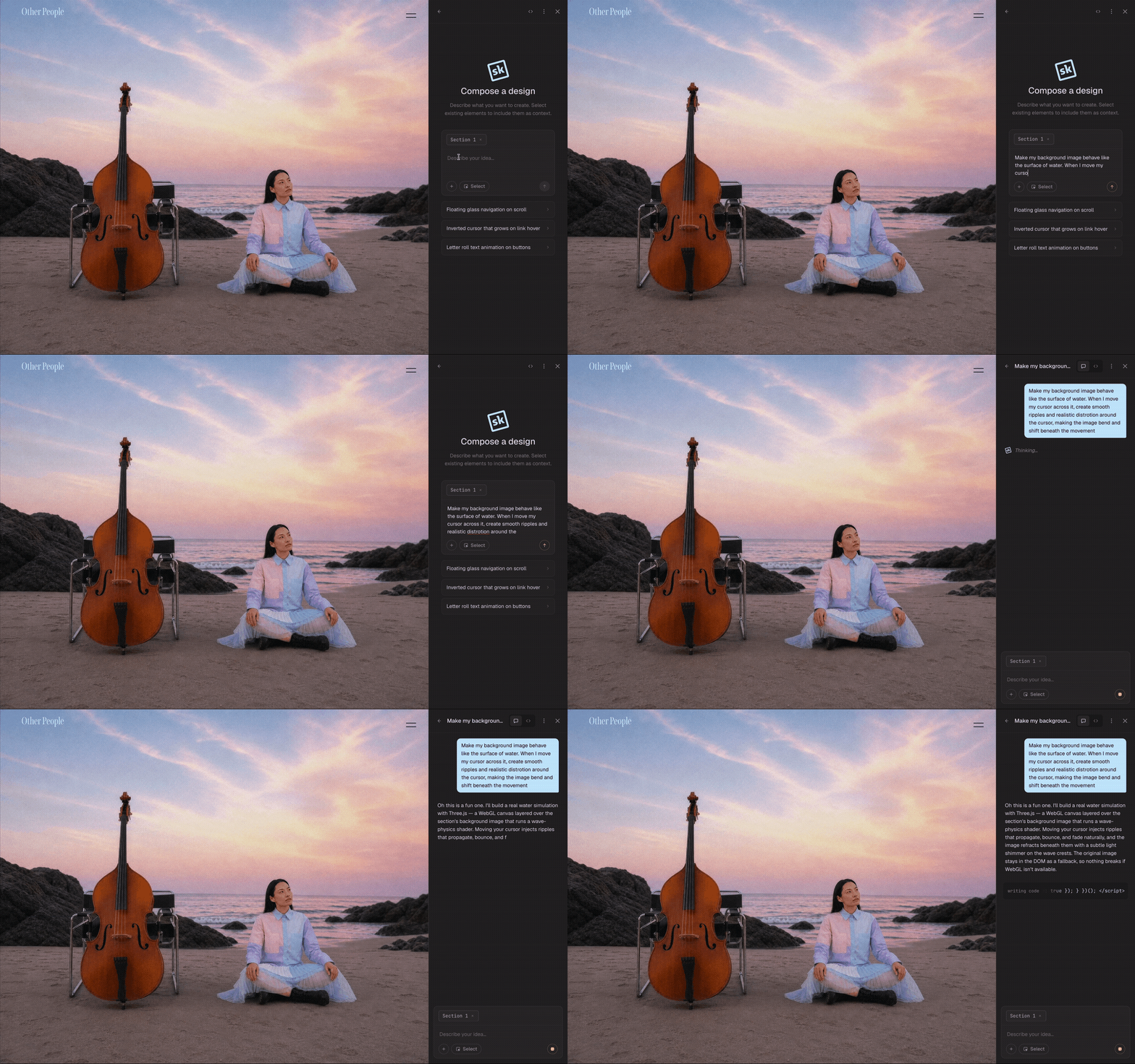
Describe what you want to create, whether you have a clear vision or just the start of an idea. Compose understands your Squarespace site and turns your words into a design you can see and shape.
Continue the conversation to adjust the details and develop the idea, then refine it further with controls or directly in the code editor.
Controls
From prompt to polished.
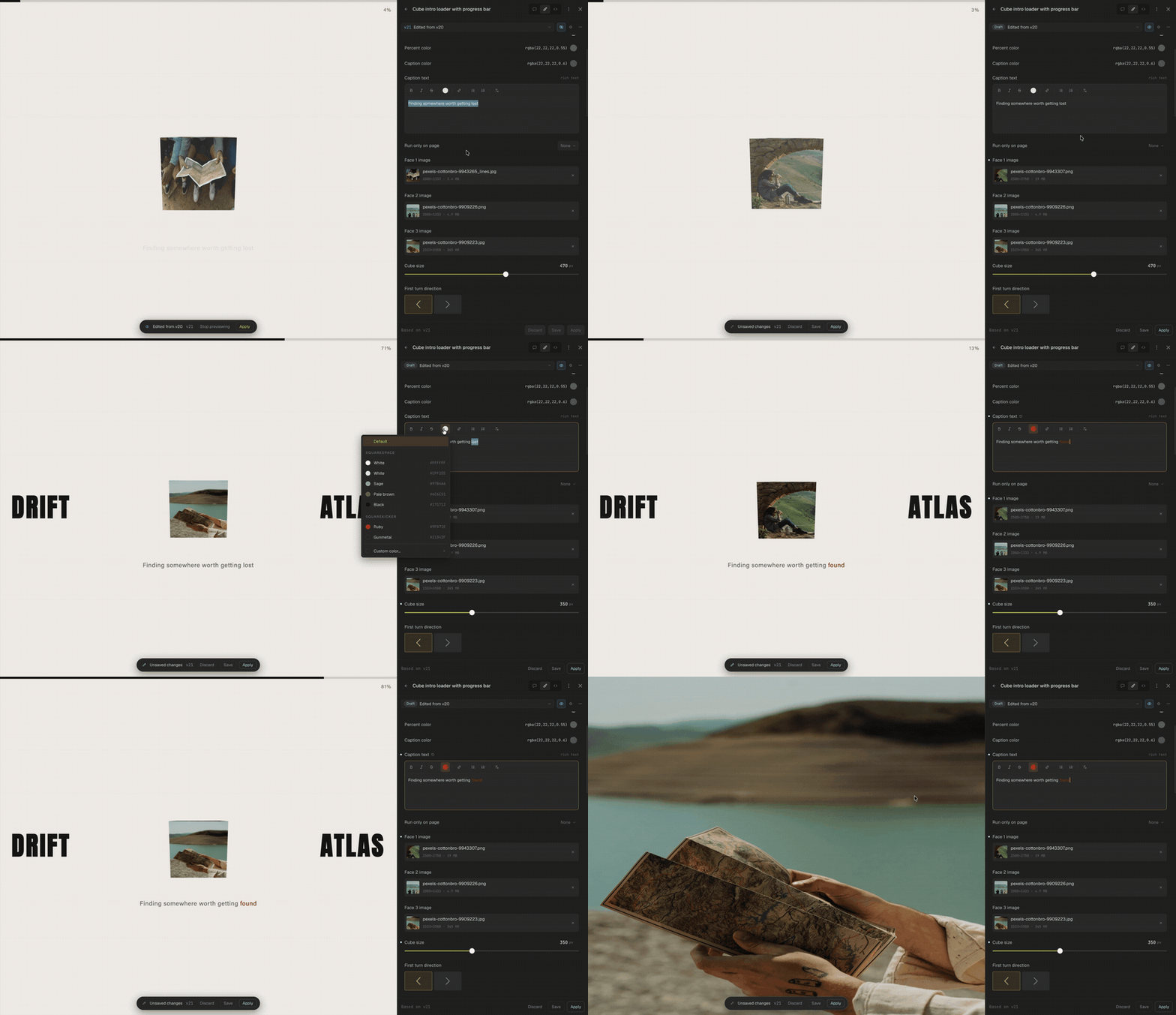
As you prompt, Compose creates controls tailored to the design taking shape. Adjust the details that matter and see the results directly on your website.
Fine-tune the design visually without writing code, repeatedly prompting or using more AI credits. Controls give you a faster, more predictable way to add the final layer of polish yourself.
Versions
Create real options for your clients.
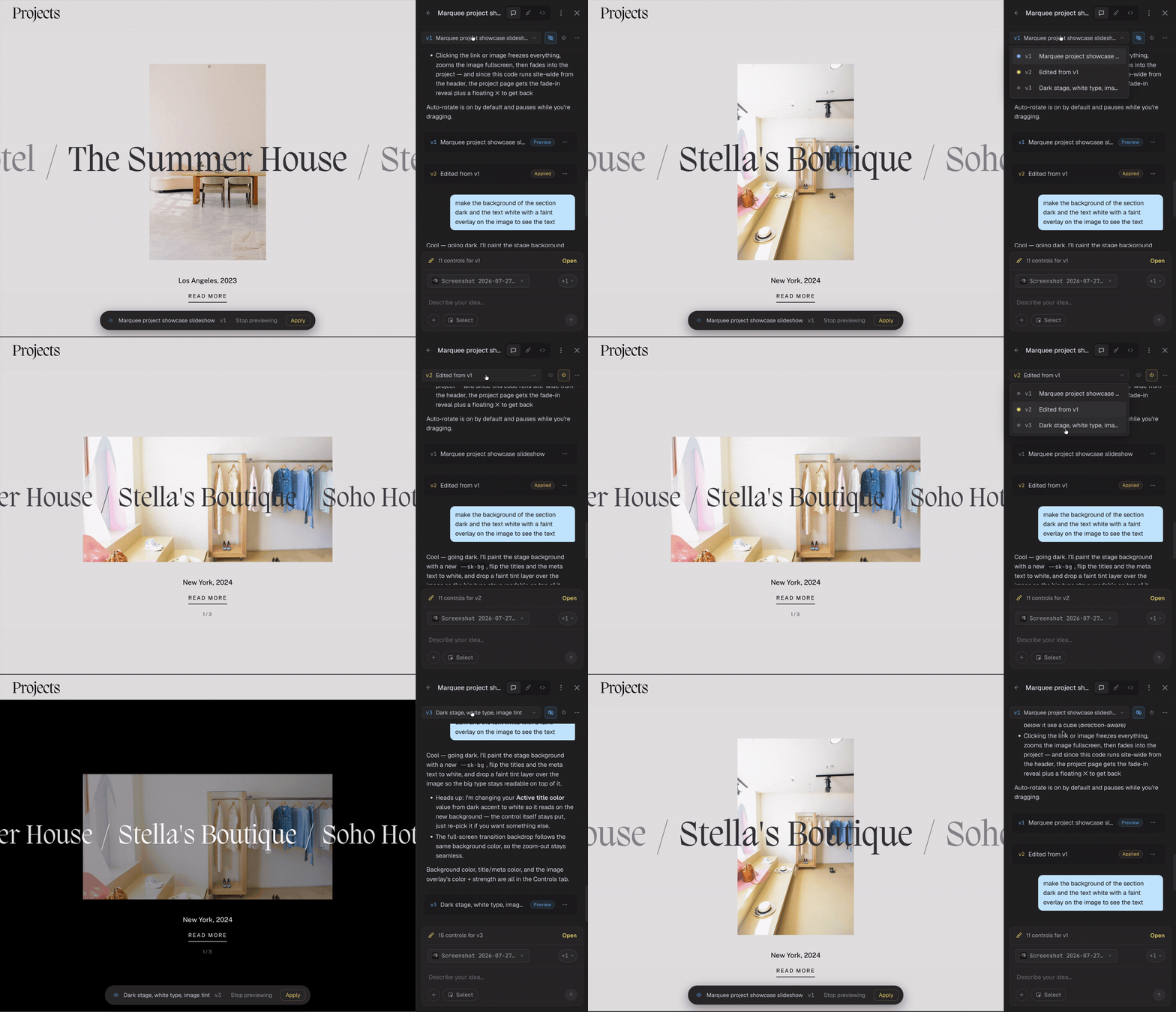
Create different directions for a design and share each one with your client directly on the website. They can see how every option looks and feels in place, making feedback and decisions easier.
Every version stays saved, so you can compare options, continue with the preferred direction or return to an earlier idea at any time. Nothing goes live until you are ready to apply it.
Code
Make your best work reusable.
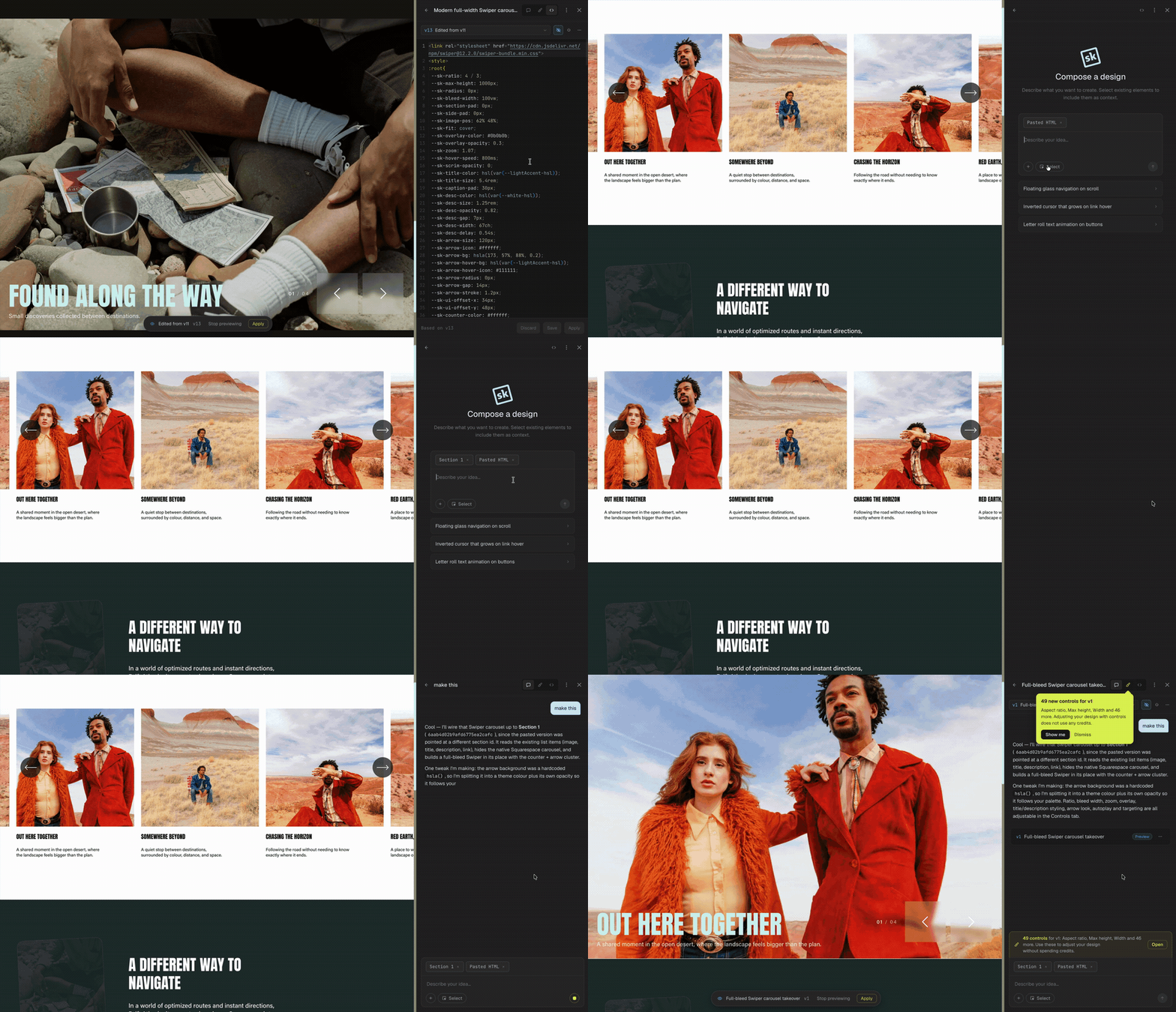
Use your existing code as the foundation for something new. Ask Compose to adapt it, improve it or make it work with the website in front of you.
Take your Compose designs from one website to the next. Copy the code into Compose on another Squarespace site and adapt it for the new project instead of rebuilding from scratch.
If you prefer working directly with the code, you can open and edit any version in the code editor. Saving your changes creates a new version, keeping the original within reach.
Frequently asked questions
“SquareKicker has always been powerful, but Compose brings cutting edge AI use to websites in a truly ingenious way.”

— Kelsey Gilbert-Kreiling | Week of the Website
-
Compose is your AI-powered design partner inside Squarespace. Describe what you want to create and Compose will write, preview, and implement the custom code for you, right inside your website.
-
Compose helps you create the kind of advanced designs and interactions that would normally require custom code.
Create advanced layouts, hover effects, animations, scroll interactions, custom menus, interactive features, and ideas that go far beyond Squarespace’s native tools. Start with a clear vision or build the idea one step at a time. Compose is designed to help you push it further.
-
Not at all.
You can create, refine, and apply designs without ever viewing or understanding the code. Simply describe what you want, review the result on your website, and keep chatting until it feels right.
For designers who do want to work directly with the code, paid plans include access to the code editor.
-
Compose understands the context of the Squarespace website you are working on.
It can work with your existing structure, styles, and selected elements, then implement the design directly. There is no copying and pasting, guessing selectors, or trying to fix the code in a separate tool.
When something needs more work, Compose stays in the conversation, helping you troubleshoot and refine the design until you find the right solution.
-
Yes. Compose shows you a preview design directly on your website before you apply it.
You can ask for changes, explore another direction, troubleshoot an issue, or return to an earlier version. Nothing needs to go live until you are happy with the result.
-
Getting started is simple. Open the SquareKicker menu on your Squarespace 7.1 website, switch to Compose, and start describing what you want to create.
Your SquareKicker subscription includes Compose credits so you can start designing straight away. If you don't have a subscription, try Compose on a 14-day SquareKicker free trial.