

Interactive Autoplay Project Carousel
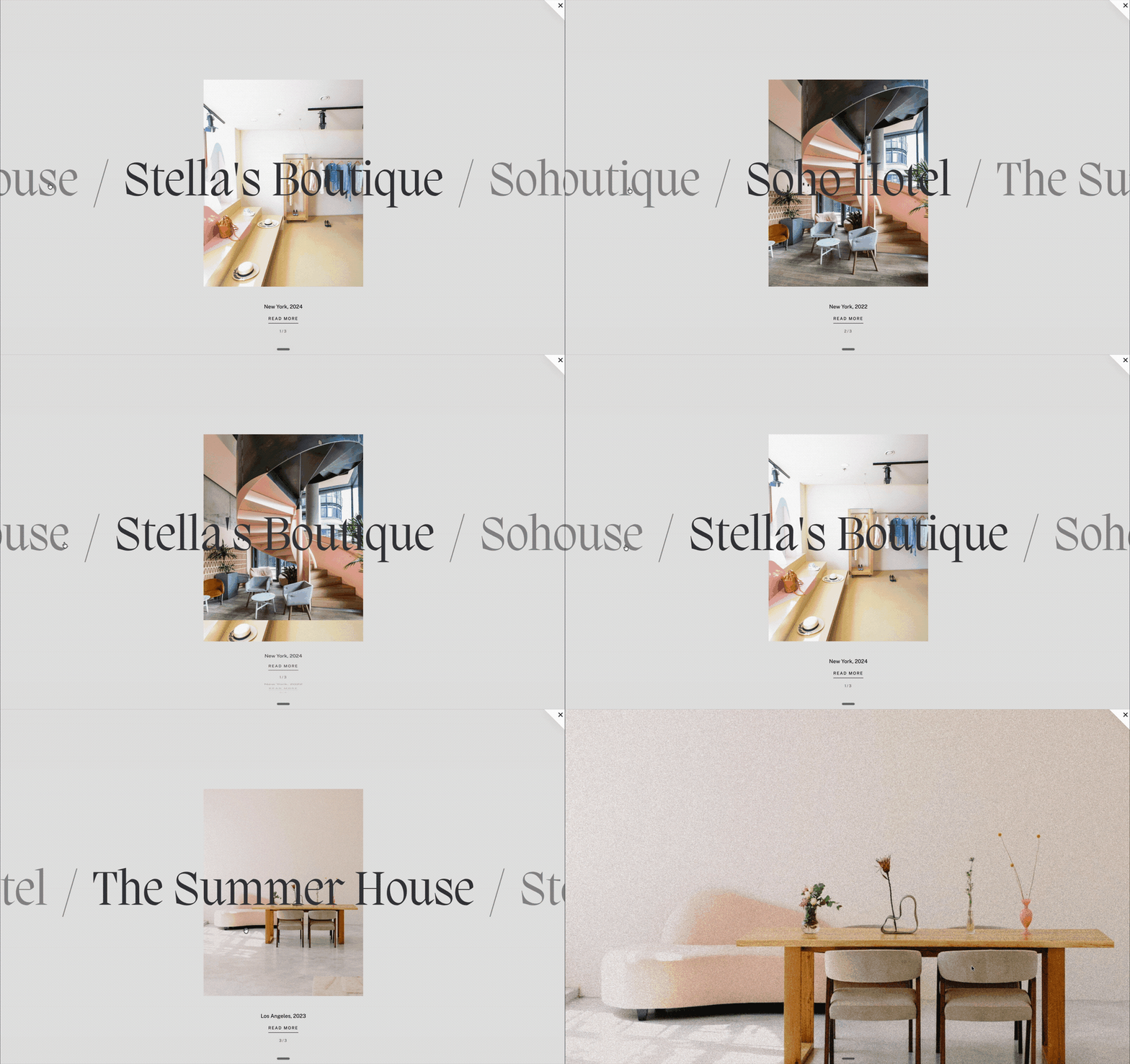
Transform a Squarespace List Section into an interactive autoplay project carousel. Projects automatically rotate through large scrolling titles and centered imagery, while visitors can click and drag to explore at their own pace. Smooth image wipes, zoom effects, animated project details, and immersive page transitions create a polished, editorial portfolio experience.
Setup:
- Create a List Section with titles, images, buttons, body text and buttons (See Screenshot below)
- Select Section with Compose and use below starting prompt
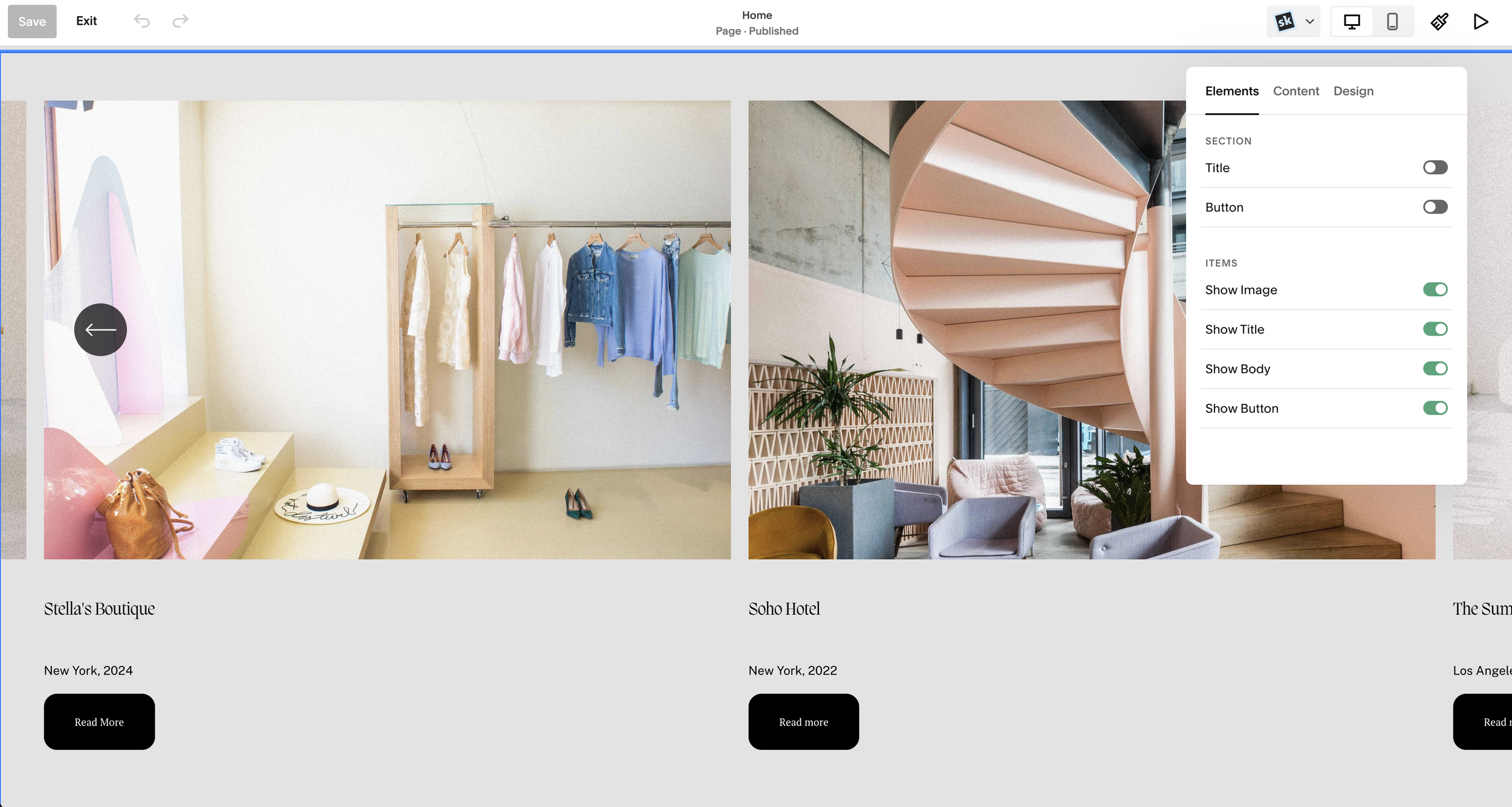
I want to turn this section of items into an automatic rotating slideshow. Here is a screenshot of my inspiration. Make all the titles large and center vertically in section. The center one is the active item. Separating each title is a " / " the active title is Dark color variable and the the no active titles are 50% transparent opacity. The active image for the project should be center align behind the text, no other project should show when the center item is active. Line up the image for the active item and title. so they show at the same time. The titles should scroll left to right, or right to left depending on which way the users clicks and drags the screen. Once the user slide the titles the next title should snap center align, this triggers a new item to be active. When a new item become active, keep the image alway center, but change the image with a wiping transition, which looks like the image is wiping from the bottom up and this reveals the next item's image. As the image is reveals, is should zoom out, revealing the image. This animation shouldn't be too fast, but make it elegant. Under the active image should be description and Read more link with a number under showing which item is shown. ie "1/3" this text for the active item should roll down or roll up depending on which way the next item is coming from. When is rolls, it should look like a rotating cube. The read more link should be under the description, but not a a button. Instead show a text that look like a link. Add some premium hover animation on the text link to know this is a link. This link should click to the project. Make the clicks to open the project make a nice page transition. When an item is clicked on, everything in the entire screen should disappear except for the active item image, everything should pause while the page loads, and then zoom the image full screen to cover the entire screen. pause and then fade to reveal the project that was loaded. There should be a back or X somewhere to go back to the list. It should almost feel like a full screen model of the project.Note: Not all generations will be identical and may require additional prompts.
