

Transform Your Squarespace Navigation with Custom Styling
Want to create navigation that perfectly matches the brand your working with? Your website's menu is often the first interactive element visitors encounter, setting the tone for their entire experience. With SquareKicker's navigation styling tools, you can design completely custom menus that go far beyond Squarespace's default options. Whether you're building a bold statement piece or a minimalist navigation system, you can achieve professional results with just a few clicks, and no code.
Below are two videos:
one taking you step by step through the customization journey
one showing off four design inspirations for your navigation
Why Custom Navigation Matters
Your navigation isn't just about getting visitors from page to page. A well-designed menu creates a brand-forward site, improves user experience, and helps visitors explore your content with confidence. Standard navigation templates can make your site blend into the crowd, but custom styling lets you create a memorable first impression that keeps visitors engaged.
Four Navigation Designs to Inspire Your Next Project
With SquareKicker's navigation tools, you have infinite styling possibilities. Here are four distinct approaches to show you what's achievable:
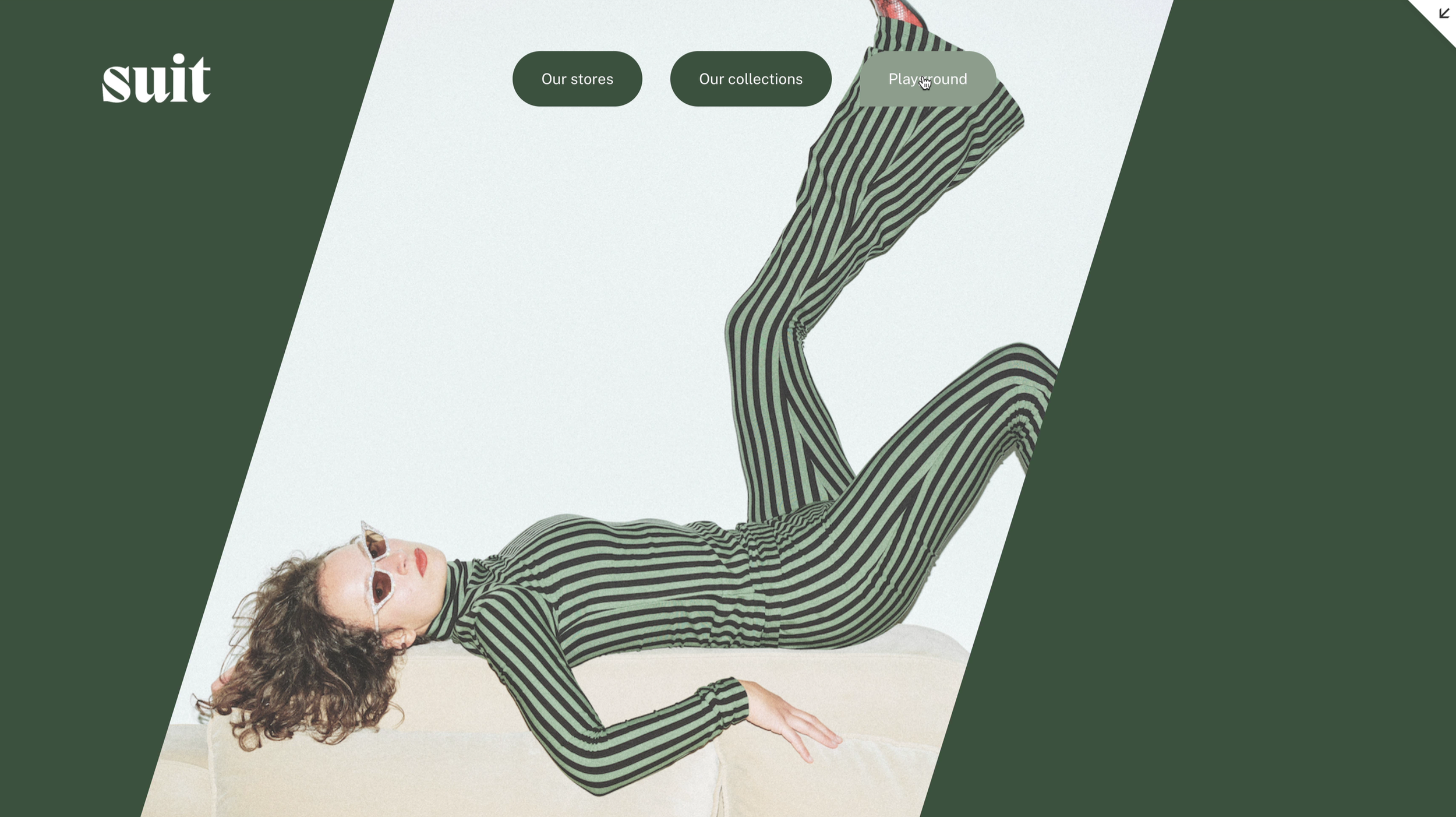
Bold Dropdown Design
Create impact with confident styling choices. This approach uses strong visual elements in your dropdown menus, making navigation feel substantial and intentional. Perfect for brands that want to make a statement and guide visitors with authority.
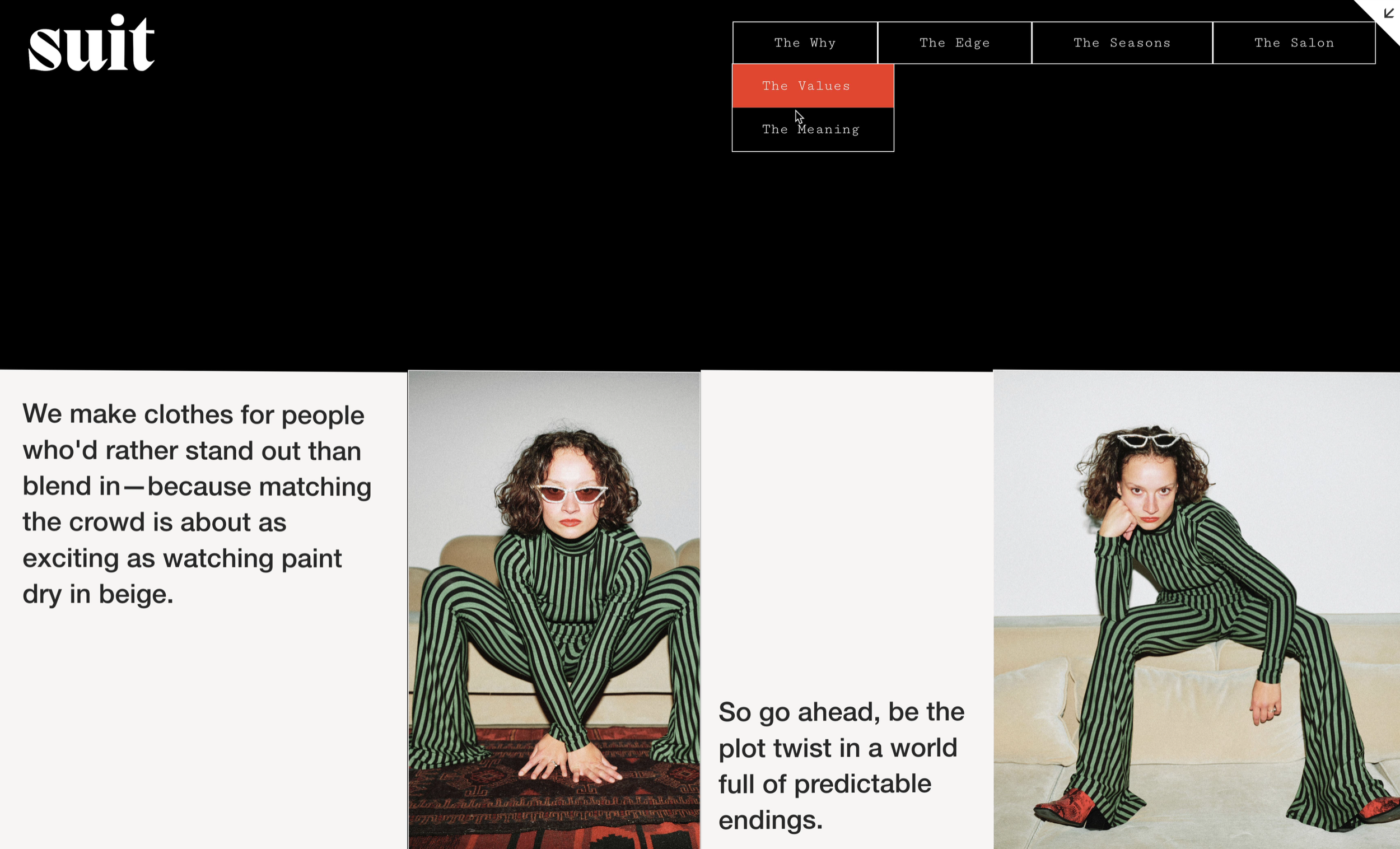
Minimalist Outlined Navigation
Sometimes less is more. This clean approach uses bold outlines and refined spacing to create an elegant navigation system that doesn't compete with your content. Ideal for portfolios, creative agencies, and brands with a sophisticated aesthetic.
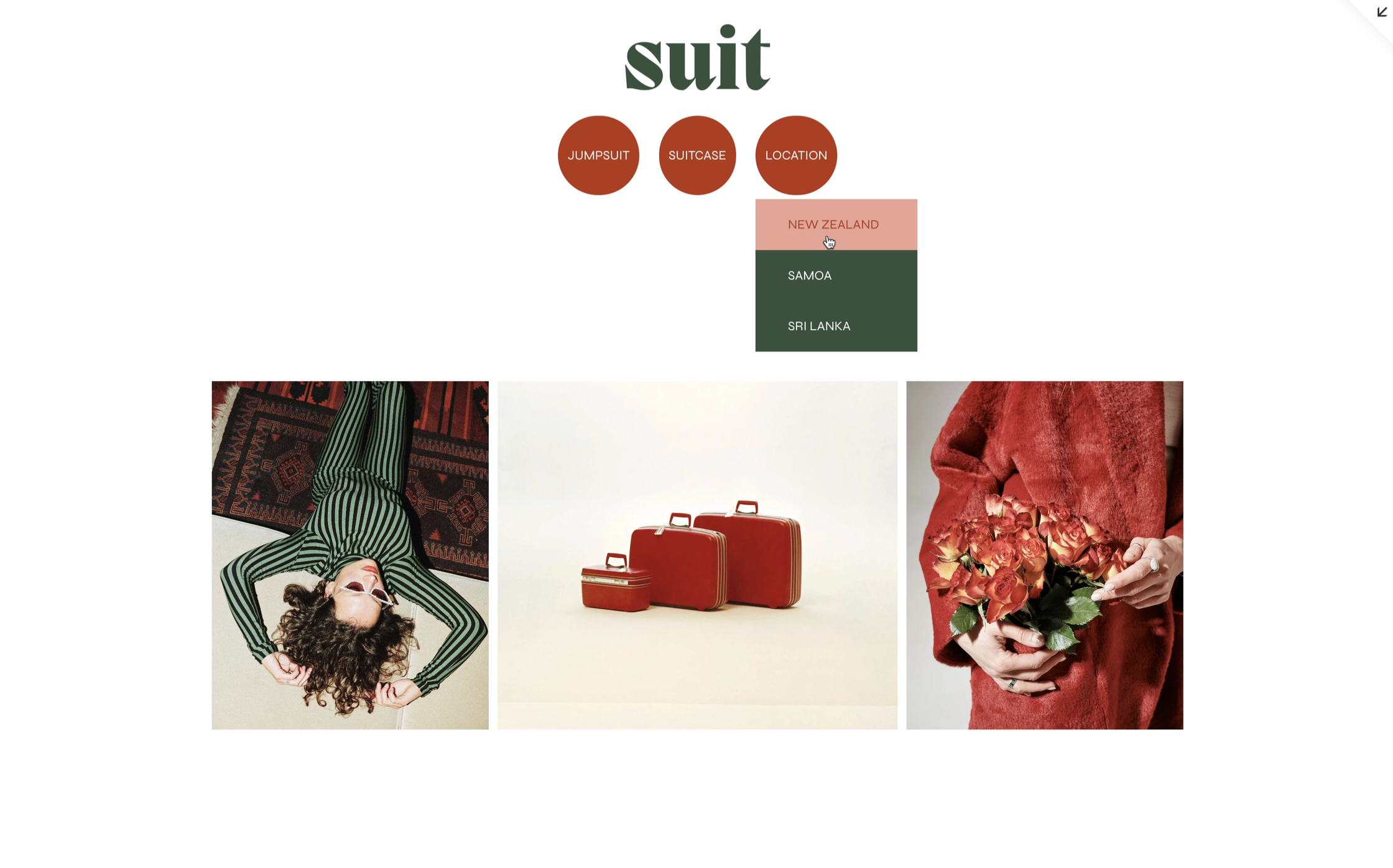
Playful Shapes Menu
Add personality with soft shapes and creative styling. This approach transforms standard navigation into something memorable and engaging, perfect for brands that aren't afraid to stand out and want to inject fun into the user experience.
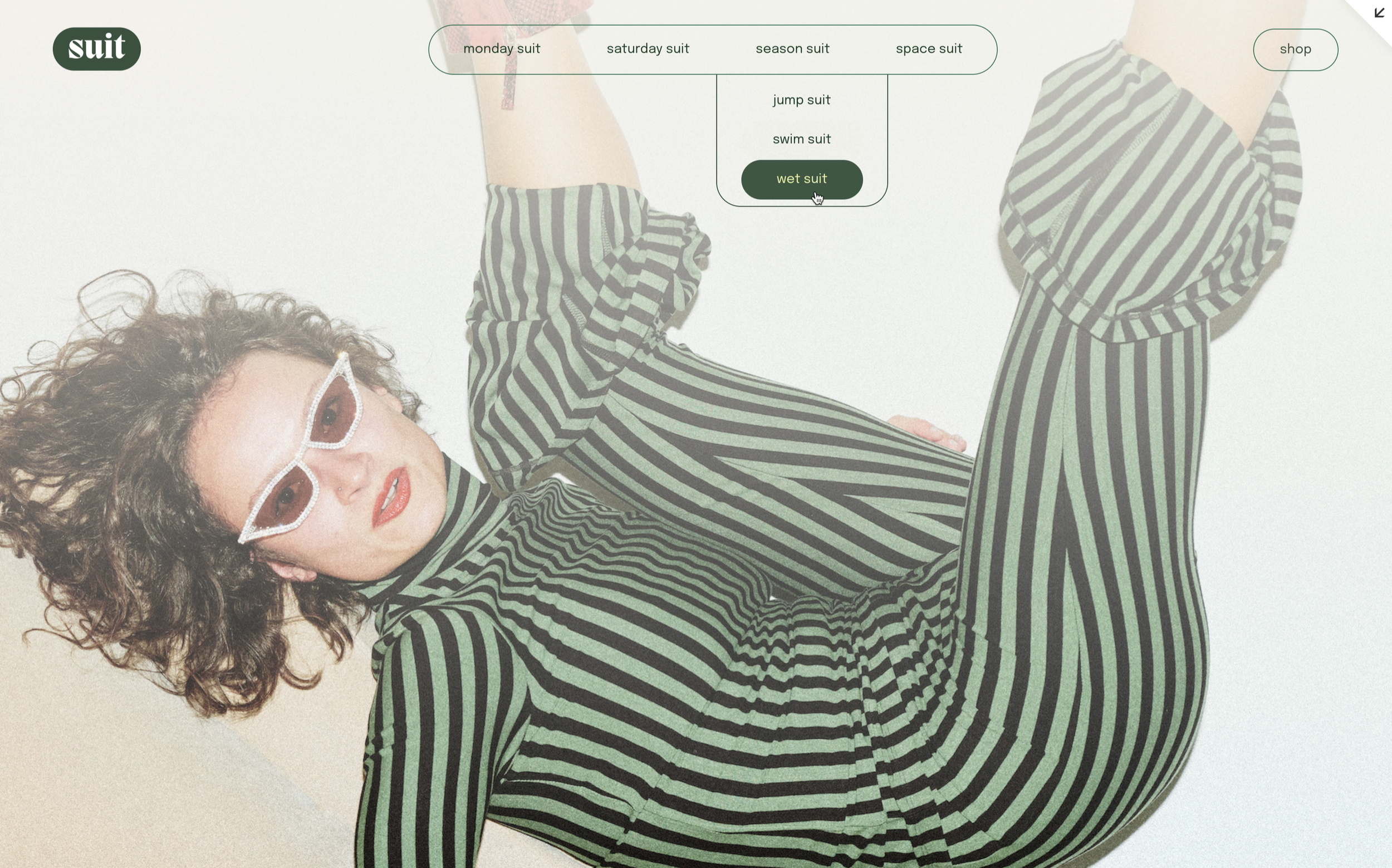
Pill Navigation System
Modern and approachable, a pill-shaped navigation creates a friendly, contemporary feel. This style works beautifully for wellness brands, coaches, creative entrepreneurs, and anyone wanting a fresh, inviting navigation system.
How to Access Navigation Styling Tools
You'll find SquareKicker's navigation customization tools in two locations within the Extension. Open SquareKicker and navigate to either the Site or Page level to access comprehensive styling options for your banner, links, and dropdown menus. This gives you complete control to craft perfectly on-brand navigation for your Squarespace sites.
With styling controls for colors, text, spacing, borders, backgrounds, and hover effects, you can design navigation that feels unique. Each design decision reinforces your brand identity and creates a cohesive experience across the entire site.
Create Your Custom Navigation Today
These four designs represent just a fraction of what you can achieve with SquareKicker's navigation tools. Whether you're working on a client project or refreshing your own site, custom navigation styling helps you deliver websites that stand out and perform. Watch our full tutorial to see these designs in action and discover step-by-step guidance for creating your own custom navigation. Start your 14-day free trial today and transform your Squarespace navigation into something exceptional!
