

What can you make in Squarespace with Compose? 5 creative AI ideas from the SquareKicker community
Compose opens up so many possibilities for what you can create in Squarespace, but when the options feel limitless, deciding where to start can sometimes be the hardest part.
One of the best ways to get inspired is to see what other designers have already imagined. These examples highlight some of the creative ways designers are using Compose to push their sites further, solve unique design challenges and add details that make their work stand out. Take a look through, follow the links to experience them live and see what ideas they spark for your next project.
Dynamic image hover interaction
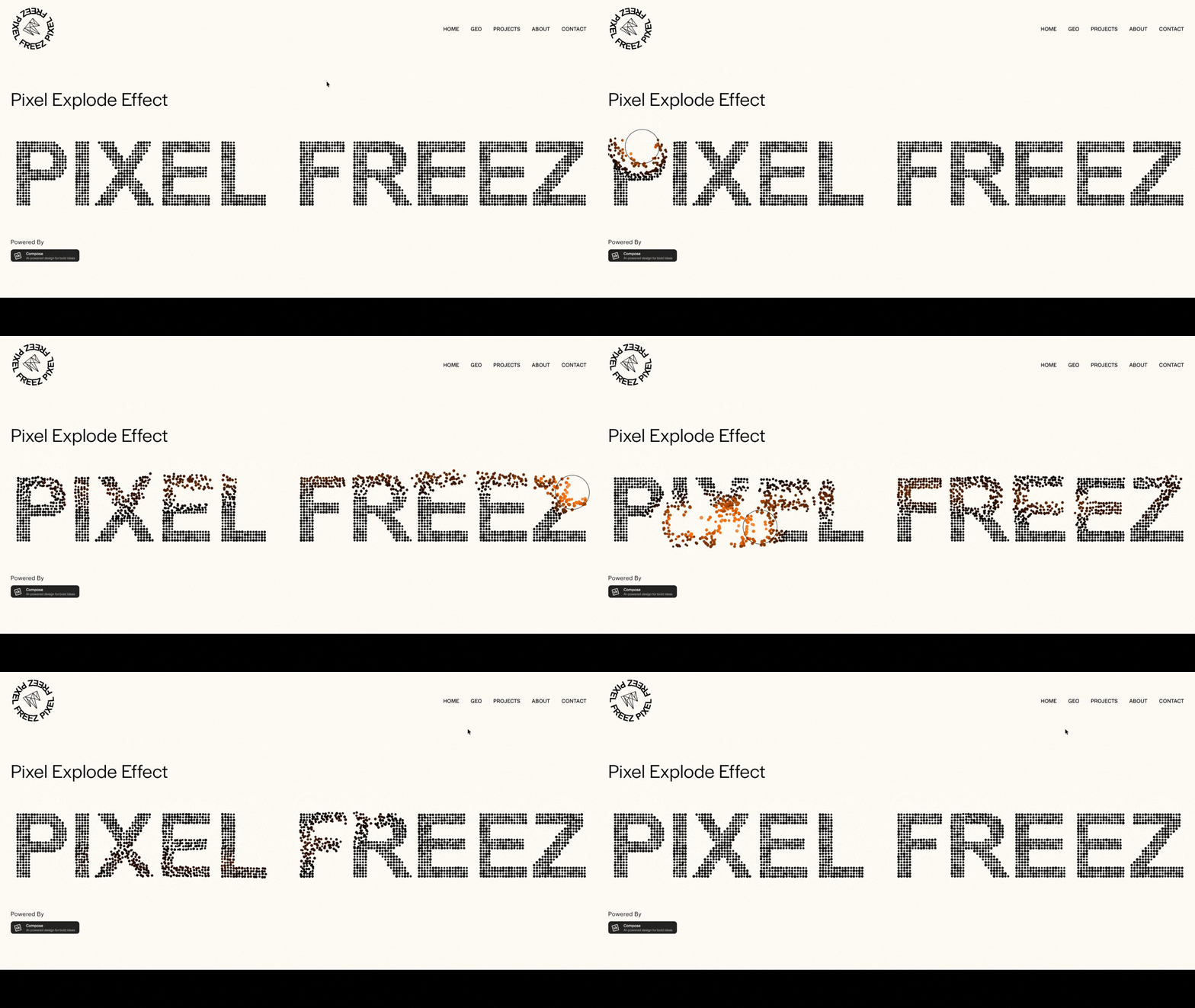
Aaron from Pixel Freez created this pixel explode effect, turning a simple image into a memorable interactive moment. It adds movement, personality and a real sense of surprise to the page, while giving visitors a reason to stop and play. It’s the kind of detail that makes a site stick in your mind.
Editable custom blog sidebar
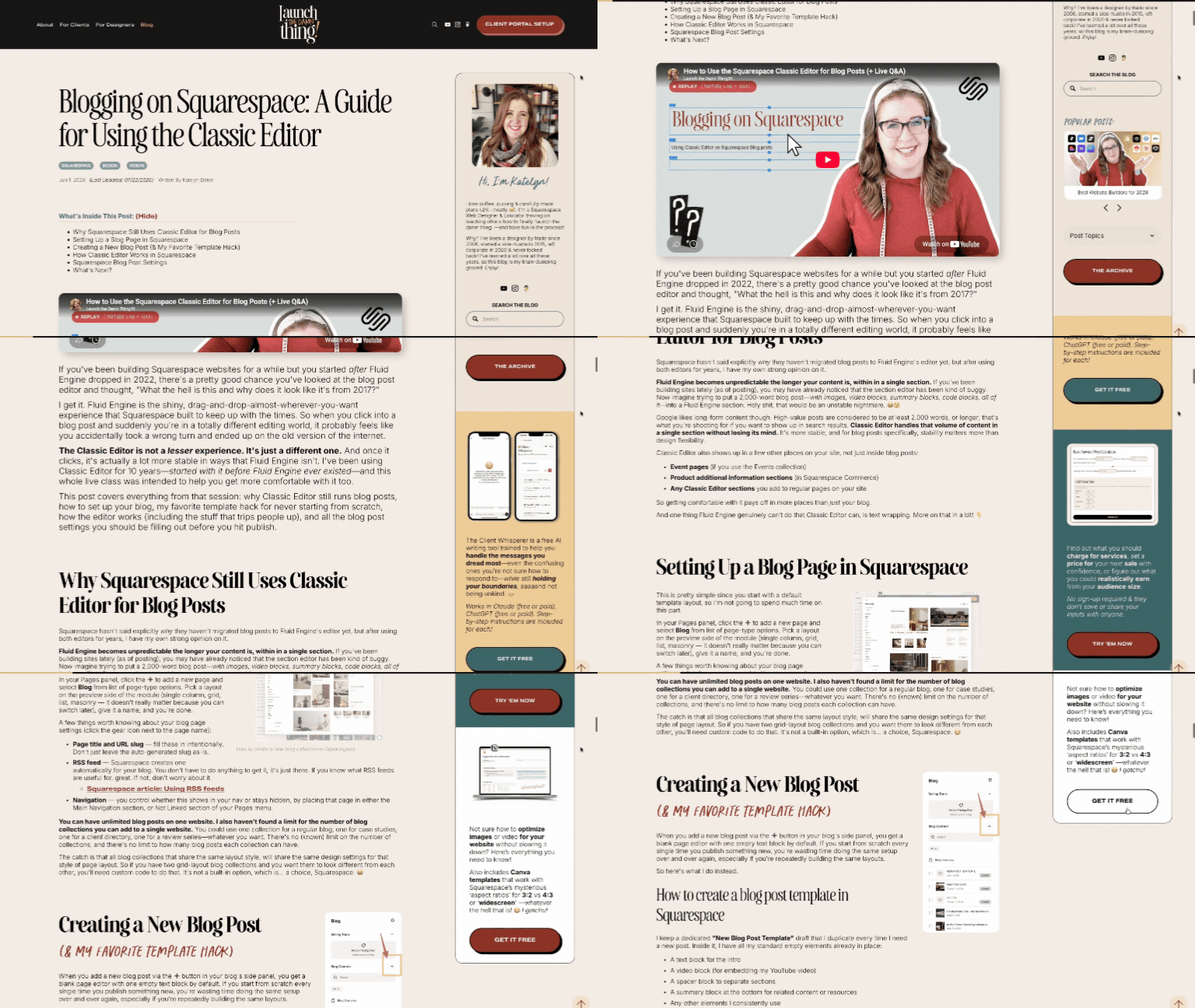
Katelyn from Launch the Damn Thing rebuilt her blog sidebar using Compose, replacing a previous plugin with a setup she can now manage directly through Squarespace. The sidebar pulls content from a hidden page, so she can update it without touching the code, and even includes a swipeable summary block for a smoother browsing experience.
She also used Compose to create a much better mobile experience. Instead of hiding the sidebar or dropping it awkwardly above or below the post, it can slide out from the side using a sticky button.
See Katelyn’s custom sidebar in action on the Launch the Damn Thing live site.
Custom pill navigation menu

Michael from Vative Creative used Compose to create a custom navigation menu that sits neatly in a pill at the bottom of the site. When clicked, it opens into a fully custom menu design, turning a functional part of the site into a much more distinctive interaction.
To create it, Michael designed the menu as a static image in Photoshop, then uploaded that image using +add context in his Compose prompt as a visual reference. It’s a great example of using an existing design idea to show Compose exactly what you want to create.
See Michael’s custom menu and more of his Compose designs in action.
Pre-loader that sets the experience
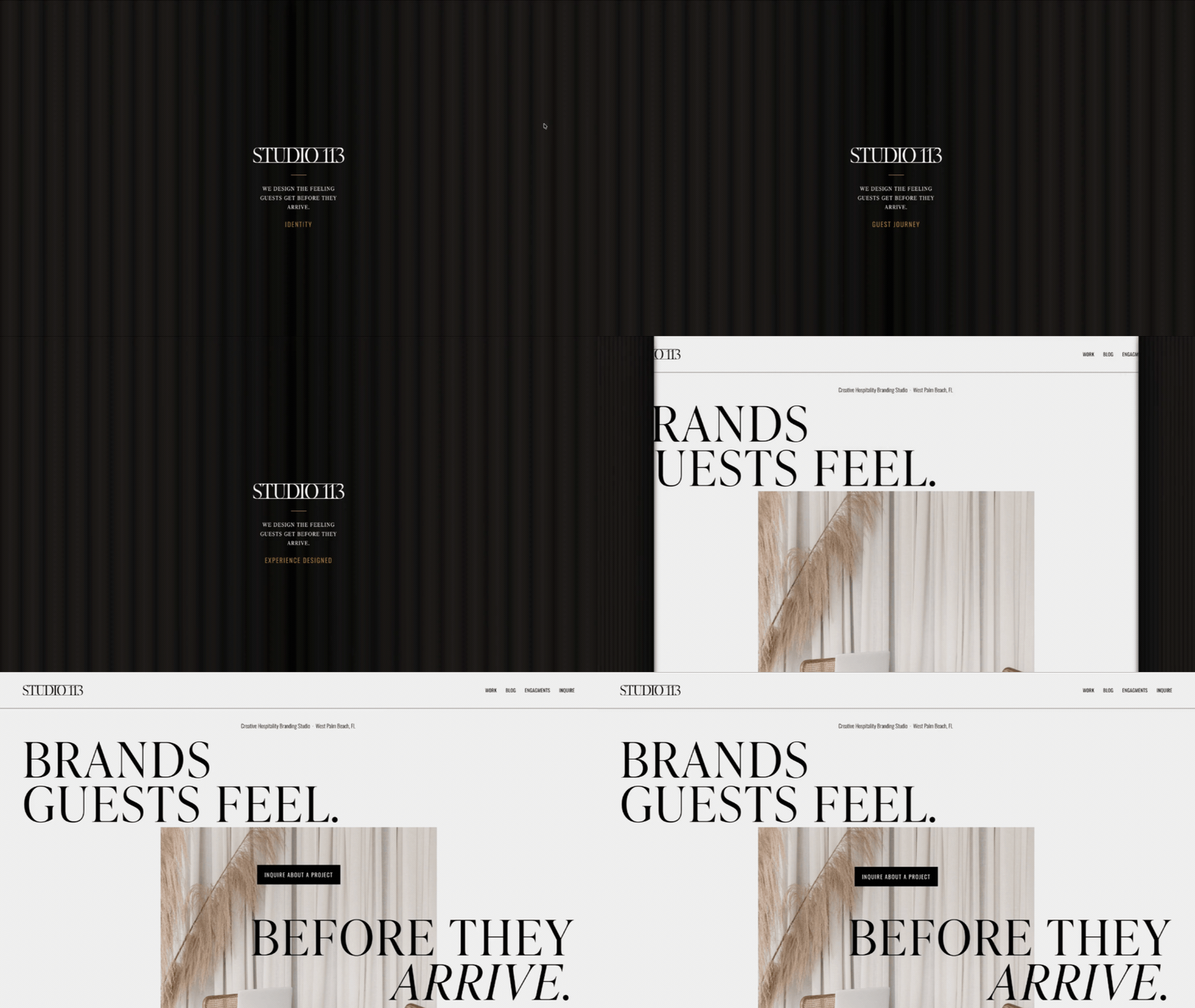
Brittani from Studio 113 used Compose to create a custom page loader designed to make the experience of visiting her site feel intentional from the very first moment. Rather than treating the loading screen as something purely functional, she used it to create a sense of being invited in, with the site gradually revealed to the visitor.
It’s a great example of how a small interaction can help carry a brand experience beyond the physical space and into the website itself.
See Brittani’s pre-loader in action on the Studio 113 live site.
Mobile Auto-Play Carousel
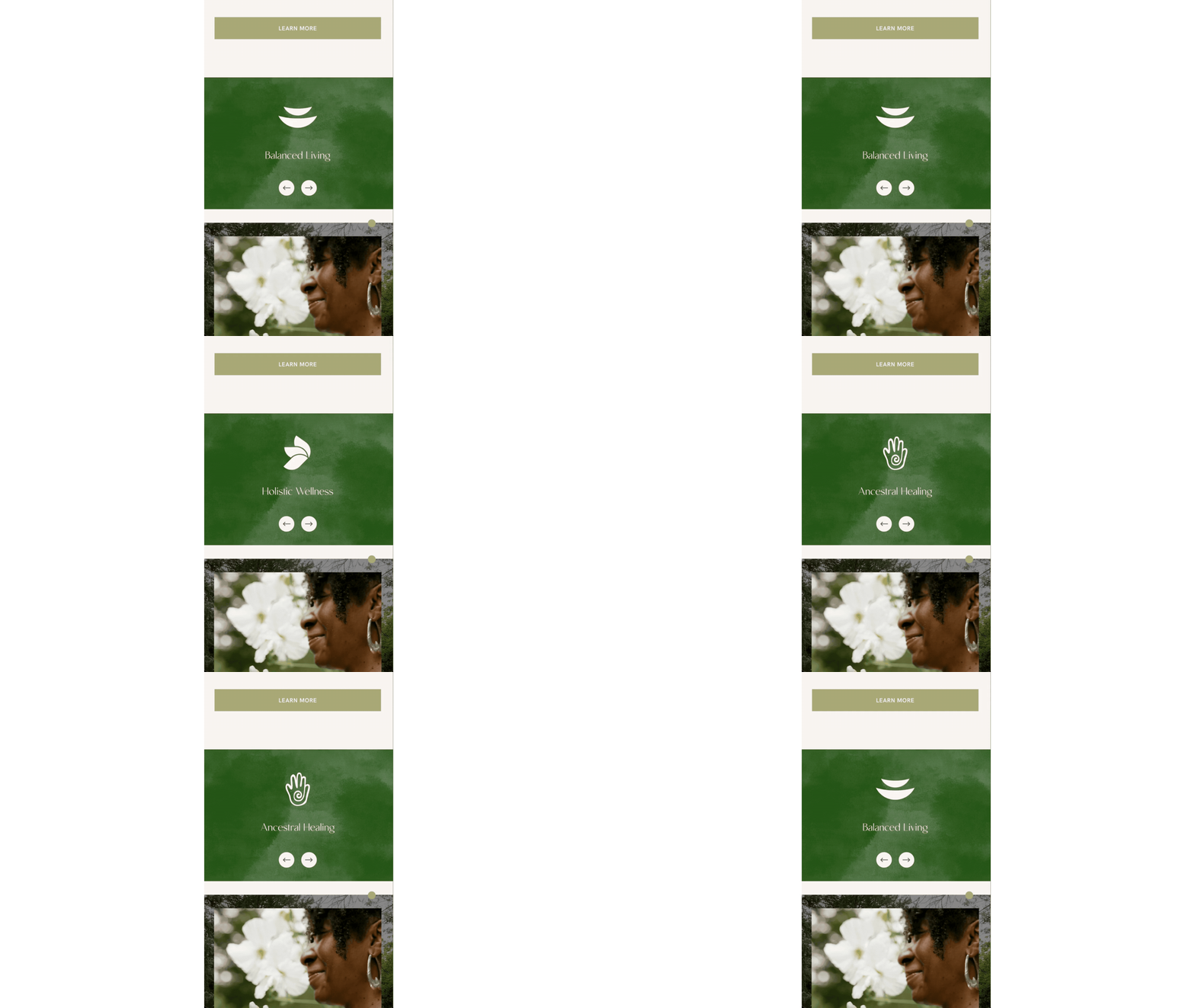
Megan from Noel and Willow used Compose to create an auto-playing carousel specifically for mobile, giving the page a more dynamic experience without changing how it works on desktop. It’s a great example of using Compose to think beyond simply making a design responsive and instead creating interactions specifically for the way people experience a site on smaller screens.
She’s also added a typewriter text effect to the page, bringing another subtle layer of movement and personality to the design.
