

Advanced animation ideas Squarespace designers can build without code
Static websites are easy to scroll past.
The websites that hold attention usually have small moments of movement woven throughout the experience. A subtle hover interaction. A layered scrolling effect. Typography that animates into view. A portfolio section that moves horizontally instead of stacking vertically.
With SquareKicker, you can create advanced animations directly inside Squarespace using visual no code tools. That means less time troubleshooting and more time designing experiences that feel unique to your client’s brand.
In this guide, we’re showcasing some of the most effective animation styles Squarespace designers can create using SquareKicker — from subtle hover effects to immersive scrolling layouts.
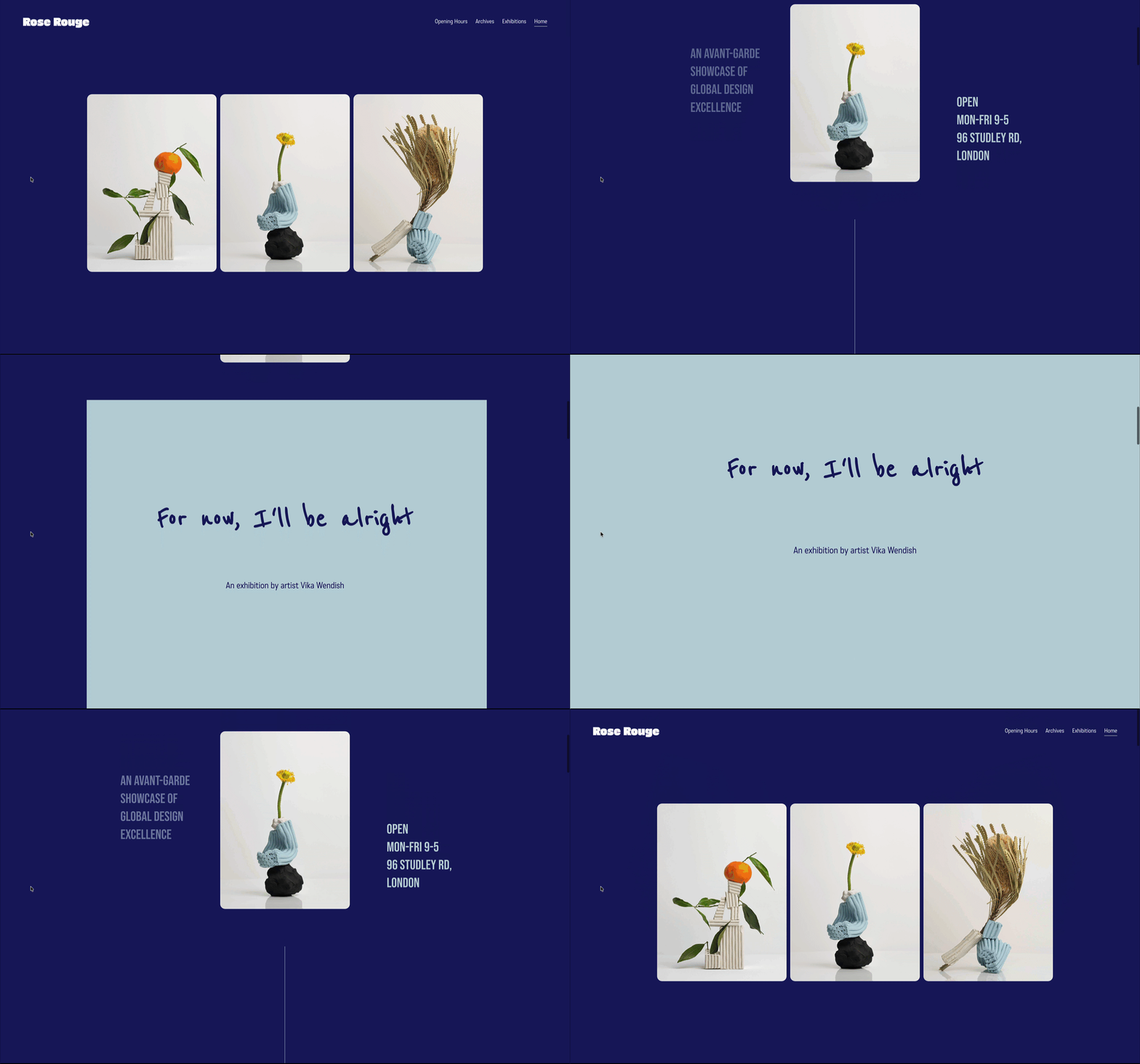
Scroll effects that create depth and movement
Scroll-based animation is one of the easiest ways to make a website feel more immersive without overwhelming the content.
Used subtly, these effects help guide attention, improve pacing, and create a stronger sense of flow throughout the page.
Layered parallax effects
Splitting imagery into multiple layers and animating them independently creates a subtle 3D feel that adds depth to the page.
This works especially well for:
portfolio websites
fashion brands
editorial layouts
immersive homepage hero sections
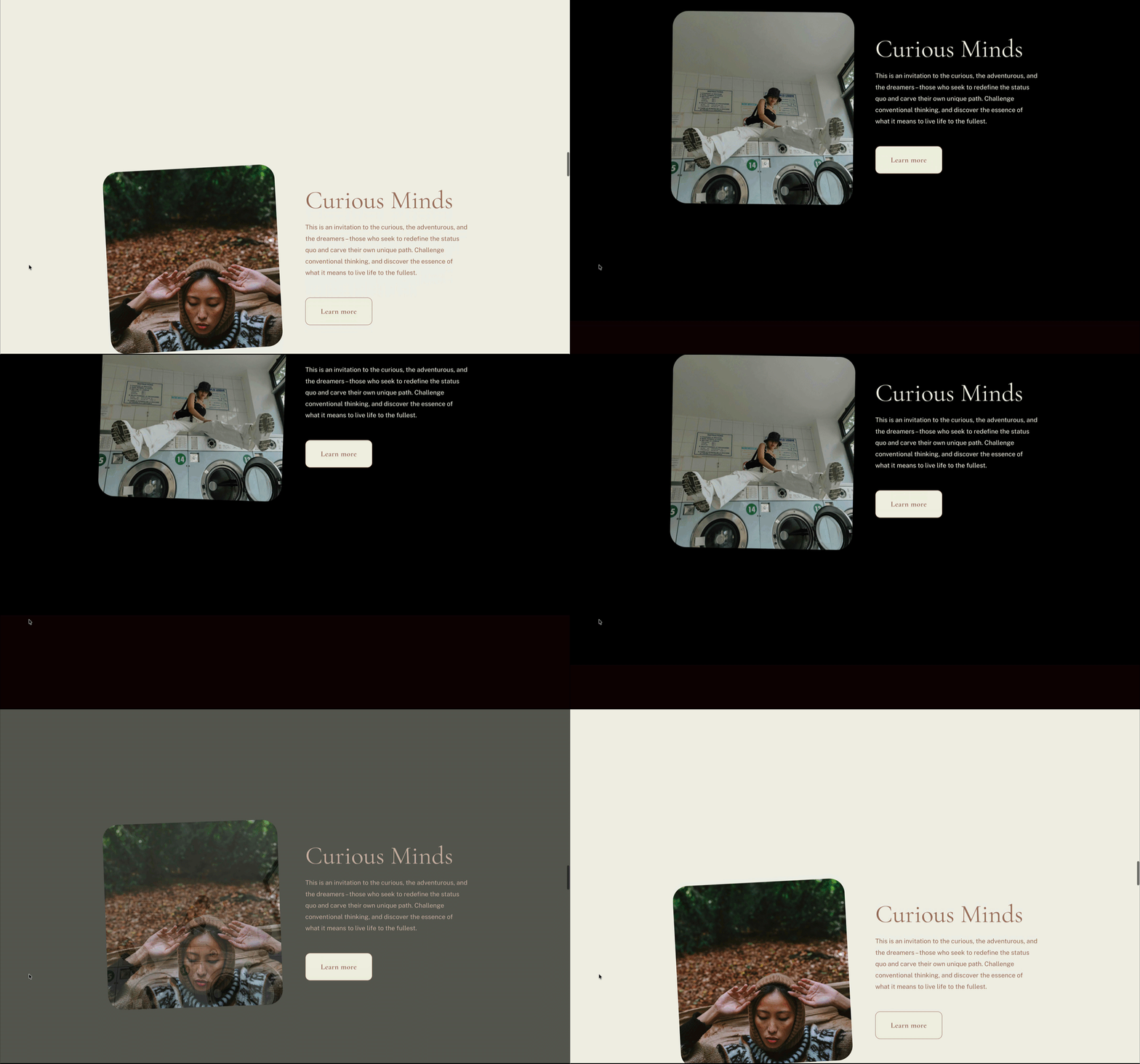
Mood-shifting transitions between sections
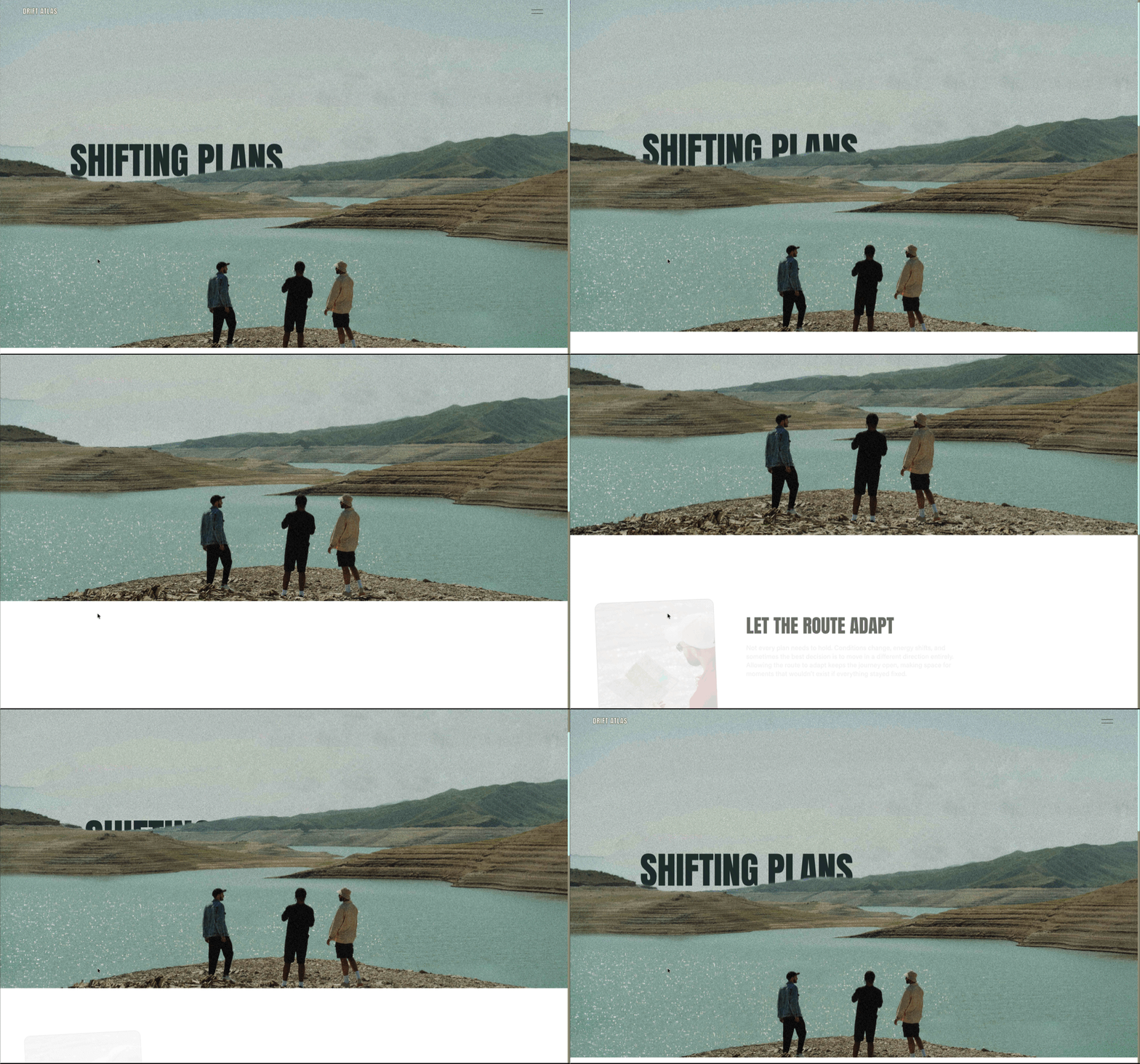
Scroll effects can completely change the atmosphere halfway through a page. The image above shows how Scroll Effects can be used on both background and images to create a dramatic transition between content.
Use this effect to:
transition from light to dark sections
introduce a new product category
shift the tone of a campaign page
separate storytelling moments
Rather than feeling like isolated sections stacked together, the page begins to feel more choreographed and intentional.
Subtle text reveals
Not every animation needs to dominate the page.
Small text movements and gradual reveals can make simple layouts feel significantly more refined while still keeping the focus on the content itself.
This is especially effective for:
large headings
product callouts
featured words within paragraphs
editorial-style layouts
Hover effects that make websites feel interactive
Hover states are one of the fastest ways to make a Squarespace website feel more custom.
They add responsiveness, improve feedback, and encourage visitors to keep exploring.
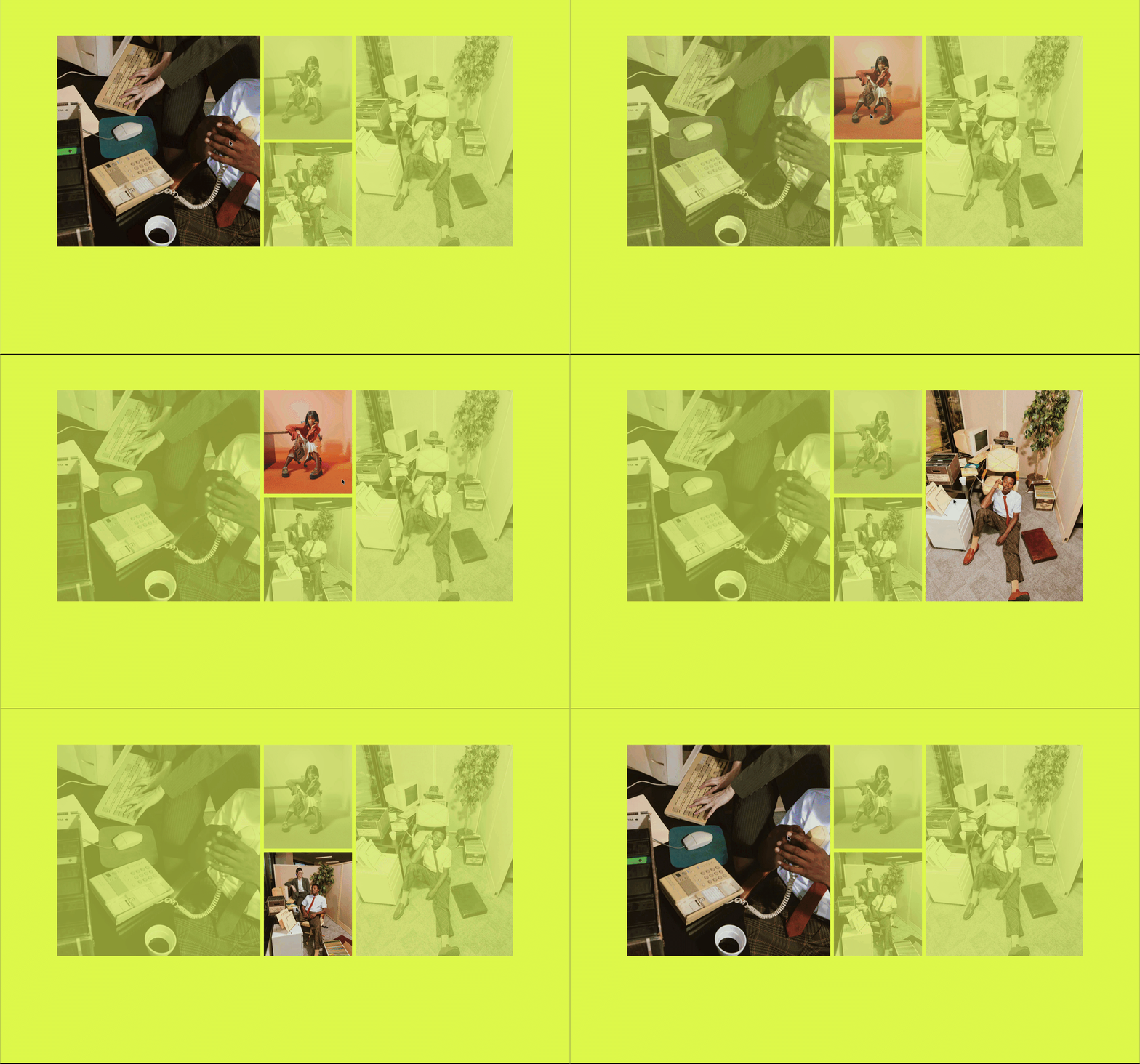
Grayscale-to-color image transitions
This remains one of the cleanest and most versatile hover effects.
Images stay minimal and restrained by default, then come to life as visitors interact with them. It only takes a couple of clicks to apply the grayscale filter to your image, and remove the filter on hover. This effect can be used to highlight one key image at a time, bringing it into focus, while keeping the other content visible but less vibrant. You can add an overlay for a more cohesive feel.
Perfect for:
portfolio galleries
team sections
ecommerce layouts
photography websites
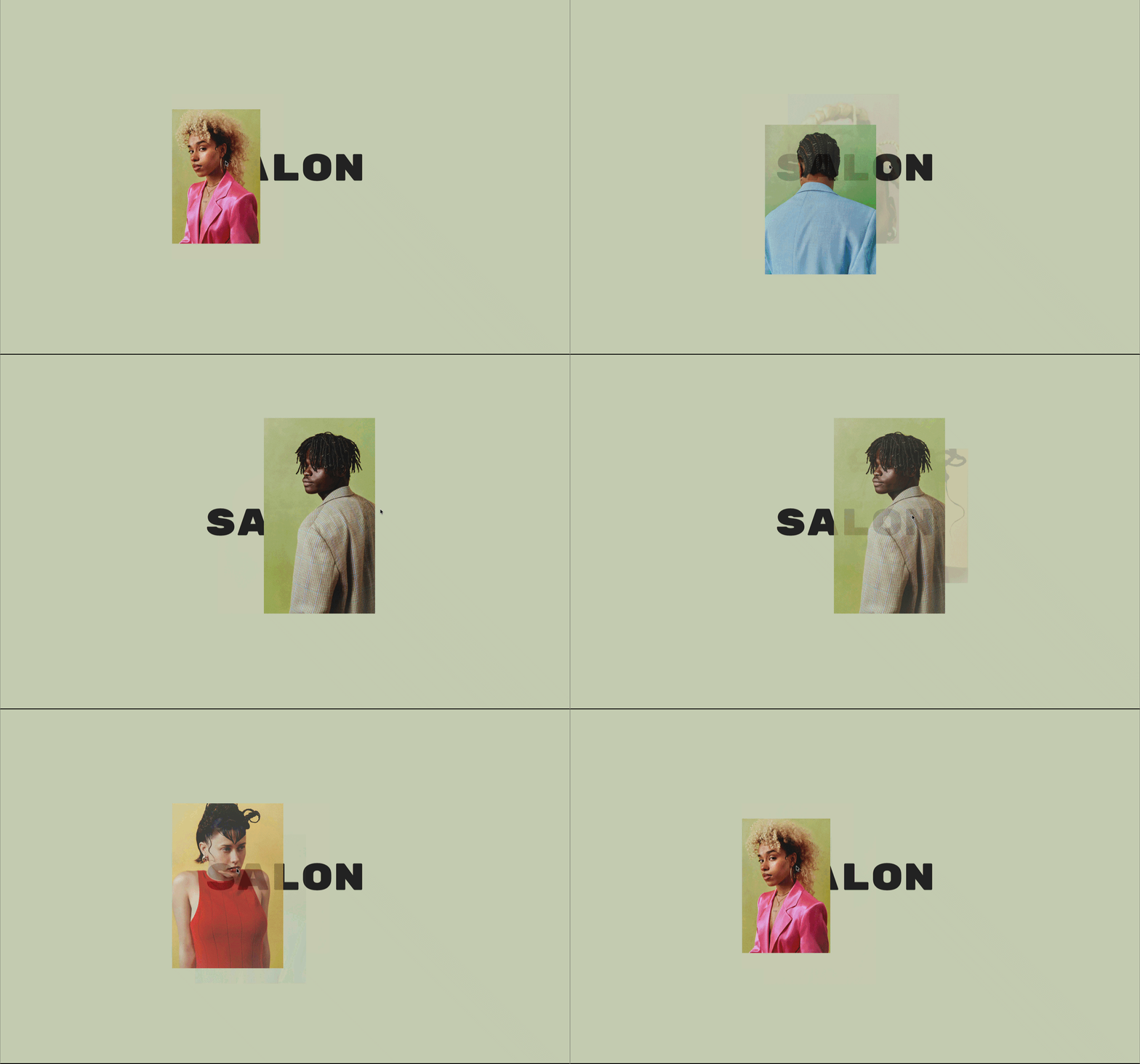
Hidden playful interactions
Small unexpected interactions can make a website feel significantly more memorable.
Hover states are a great place to introduce:
hidden imagery
movement
layered reveals
playful details tied to the brand identity
These moments help websites feel less static and more personal.
Animated navigation details
Sometimes the smallest details have the biggest impact.
Subtle hover animations inside navigation menus — like color shifts or shape movement— can dramatically elevate the overall polish of a website. This is a great place to add small brand-forward details that clients love to see, like their accent color popping out to guide the eye.
Animated typography that guides attention
Typography animation helps direct focus while adding movement and personality to the page.
Typewriter announcement bars
The announcement bar is one of the most overlooked opportunities for animation.
Using a typewriter effect allows you to rotate through multiple messages in a way that feels dynamic without becoming distracting. If typewriter feels a bit too quirky for your clean, minimalist site, there are a number of other animation styles to choose from.
Rotating Announcement Bar works especially well for:
promotions
launches
shipping updates
featured services
rotating campaign messages
Gradual headline animation
Large headings can animate into view progressively as visitors scroll through the page.
This creates stronger pacing and helps important messaging land more intentionally.
Layered typography movement
Animating background and foreground text at different speeds creates depth while keeping layouts clean and minimal.
This approach works particularly well in:
fashion websites
creative portfolios
modern editorial layouts
landing pages
Interactive layouts using Magnetic Motion
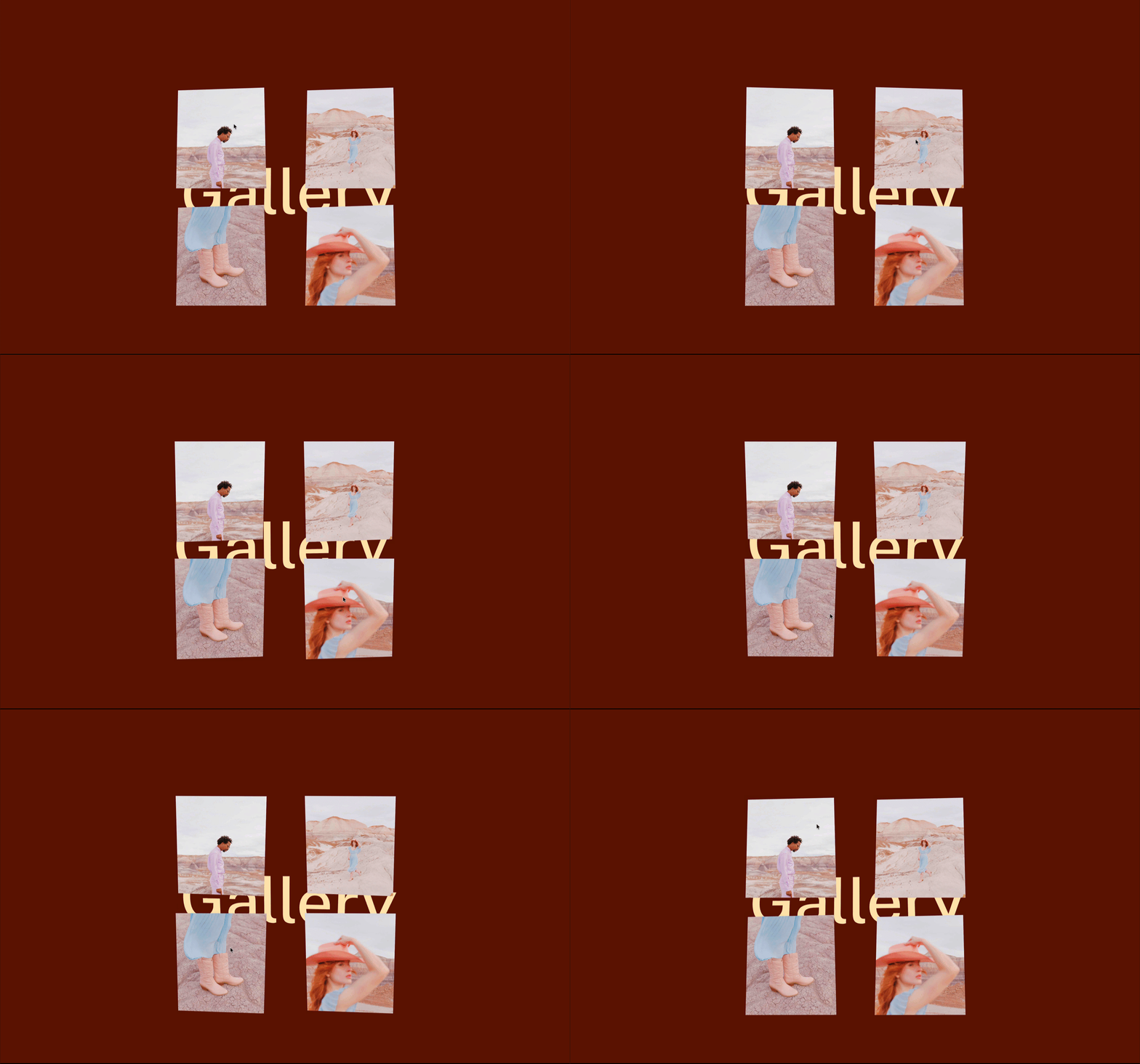
Magnetic Motion is one of the most playful tools inside SquareKicker. The foundation of Magnetic Motion is Block Tilt, which creates realistic 3D movement as visitors move their cursor over your elements. This powerful animation tool works on any block in your Squarespace site, from image blocks and text sections to buttons and call-to-action elements. The result is an engaging user experience that increases dwell time and makes your most important content impossible to ignore. Customize your animation with scale, start position, freeze, follow, and glare. Follow is a unique setting that differentiates this effect from a simple hover state, as the element “follows” the mouse cursor position as it moves away from the element and around the page.
Cursor-following imagery
Apply subtle movement to images so they react to the visitor’s mouse movement.
This creates a more immersive browsing experience while keeping interactions lightweight and smooth.
Interactive layered sections
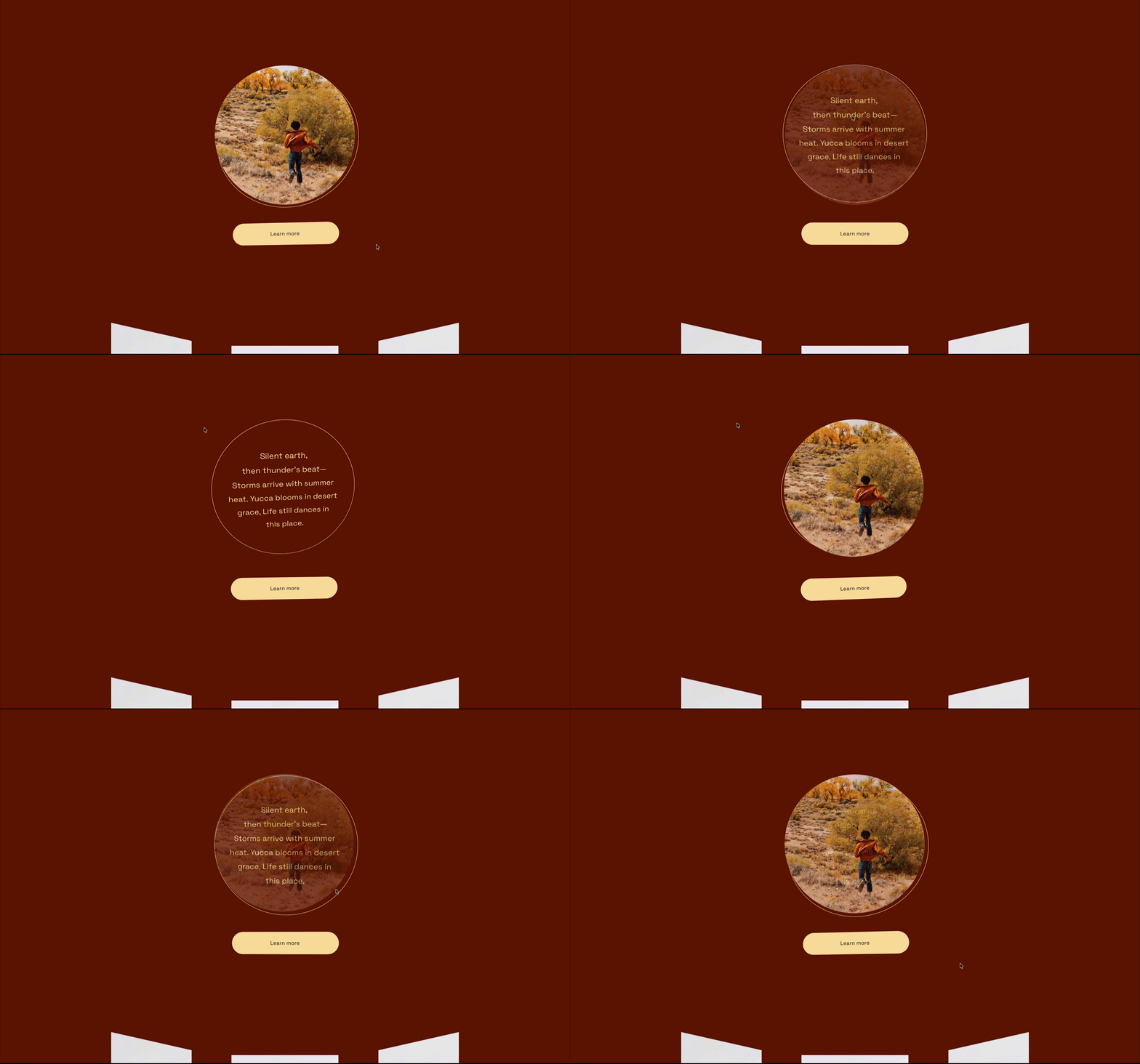
Magnetic Motion becomes especially effective when applied across multiple elements within the same section.
Combining:
imagery
text
hover states
opacity changes
can create highly interactive layouts that encourage exploration and increase dwell time.
Magnetic buttons and calls to action
Even subtle movement on buttons can make calls to action feel more responsive and engaging.
These details help websites feel more polished without requiring aggressive animation.
Animated image and media treatments
Images and video often carry the emotional weight of a website. Animation helps present them in a more dynamic and memorable way.
Animated image frames using Stencils
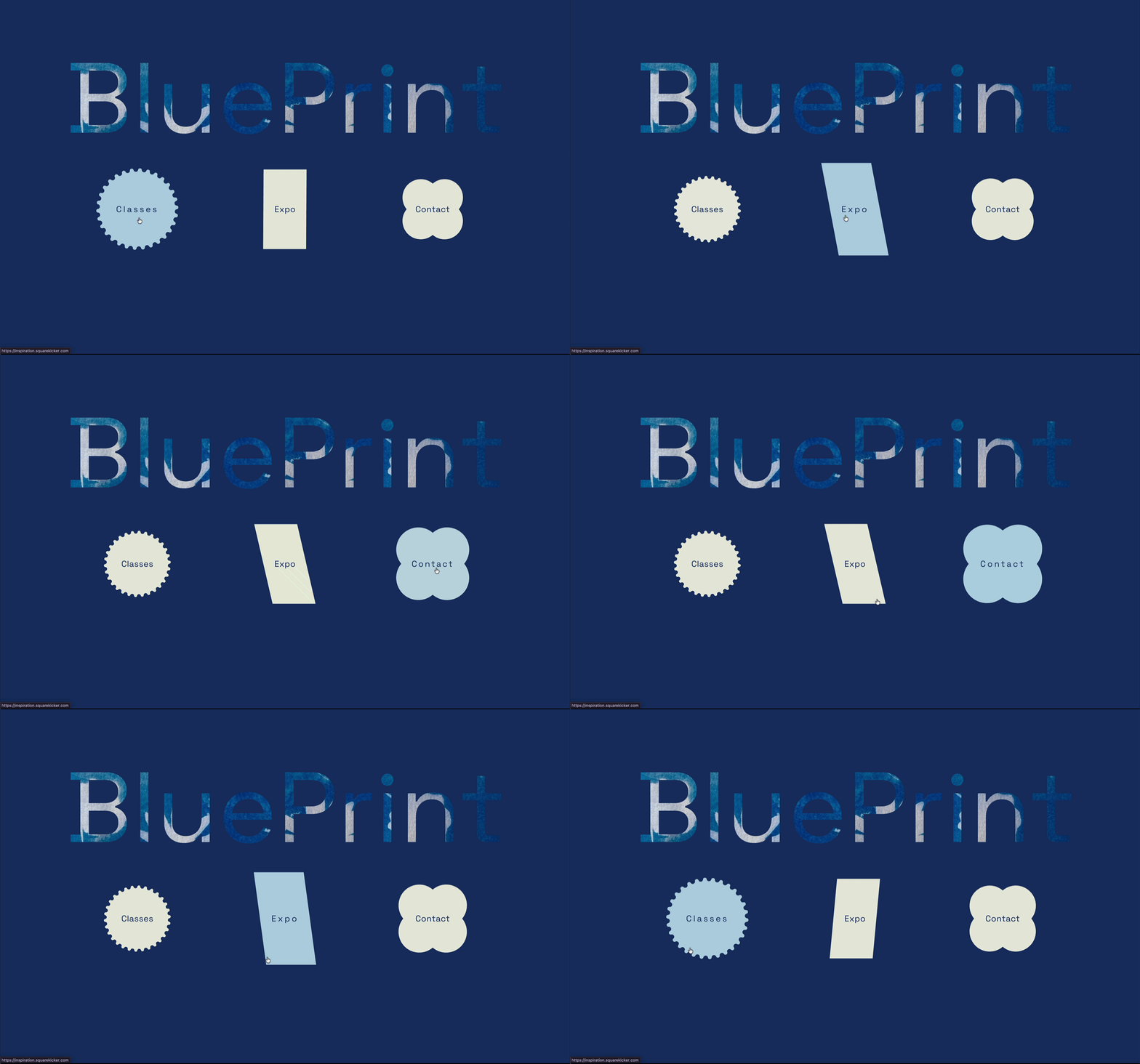
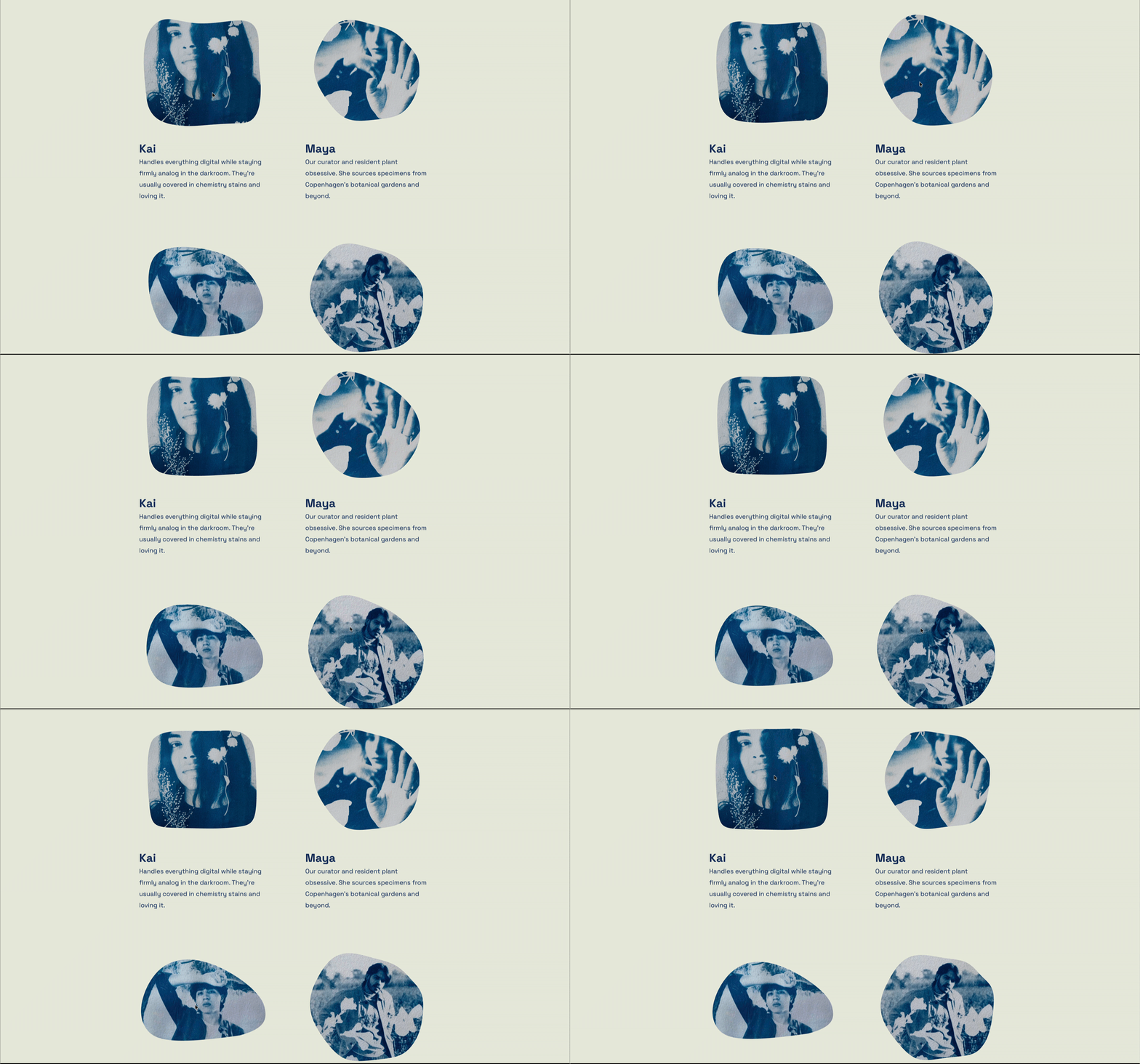
Stencils can be used to create animated framing effects around images and video. Standard rectangular layouts are everywhere on the web, but what if you could easily transform your images, videos, buttons, maps, and section backgrounds into creative shapes?
Stencils applies SVG masks to your Squarespace content, working like a digital stencil that reveals only the parts of your content within the chosen shape. You can apply these effects to a number of block types. Not only can you turn your image into an interesting shape, you can also choose a shape with a subtle built-in animation.
Even slow, minimal movement can help static sections feel significantly more premium.
Video masking effects
Animated masking can transform standard video sections into something far more immersive. The SquareKicker Stencils tool can be applied to your videos.
This works especially well for:
campaign pages
fashion websites
product showcases
creative studios
Dynamic layouts using Section Slider or Horizontal Scrolling
Animation doesn’t need to be limited to individual blocks or hover states.
Some of the most impactful website experiences come from rethinking how entire sections move and flow.
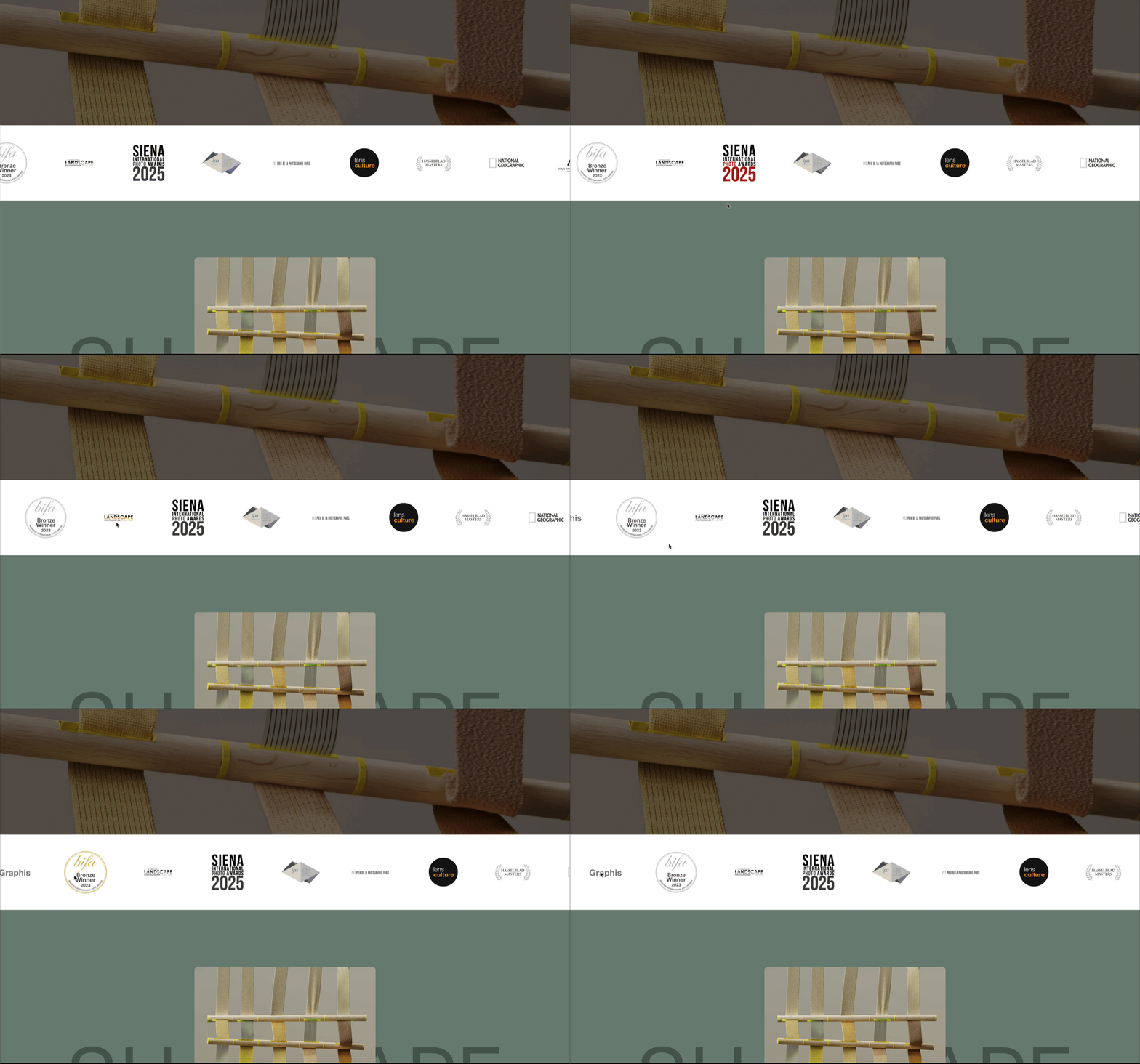
Logo banners and scrolling marquees
Section Slider is perfect for:
sponsor logos
featured publications
client showcases
awards
testimonials
These moving sections help break up static page structures while keeping content lightweight and easy to scan.
Portfolio showcase sliders
Rather than stacking projects vertically, Section Slider can transform portfolio sections into more immersive browsing experiences. The Section Slider goes far beyond typical slideshow or image gallery functionality by giving you complete control over transitions, playback options, and responsive behavior. This powerful tool allows you to group multiple sections together and transform them into polished, dynamic displays that elevate your entire website experience.
Horizontal scrolling layouts
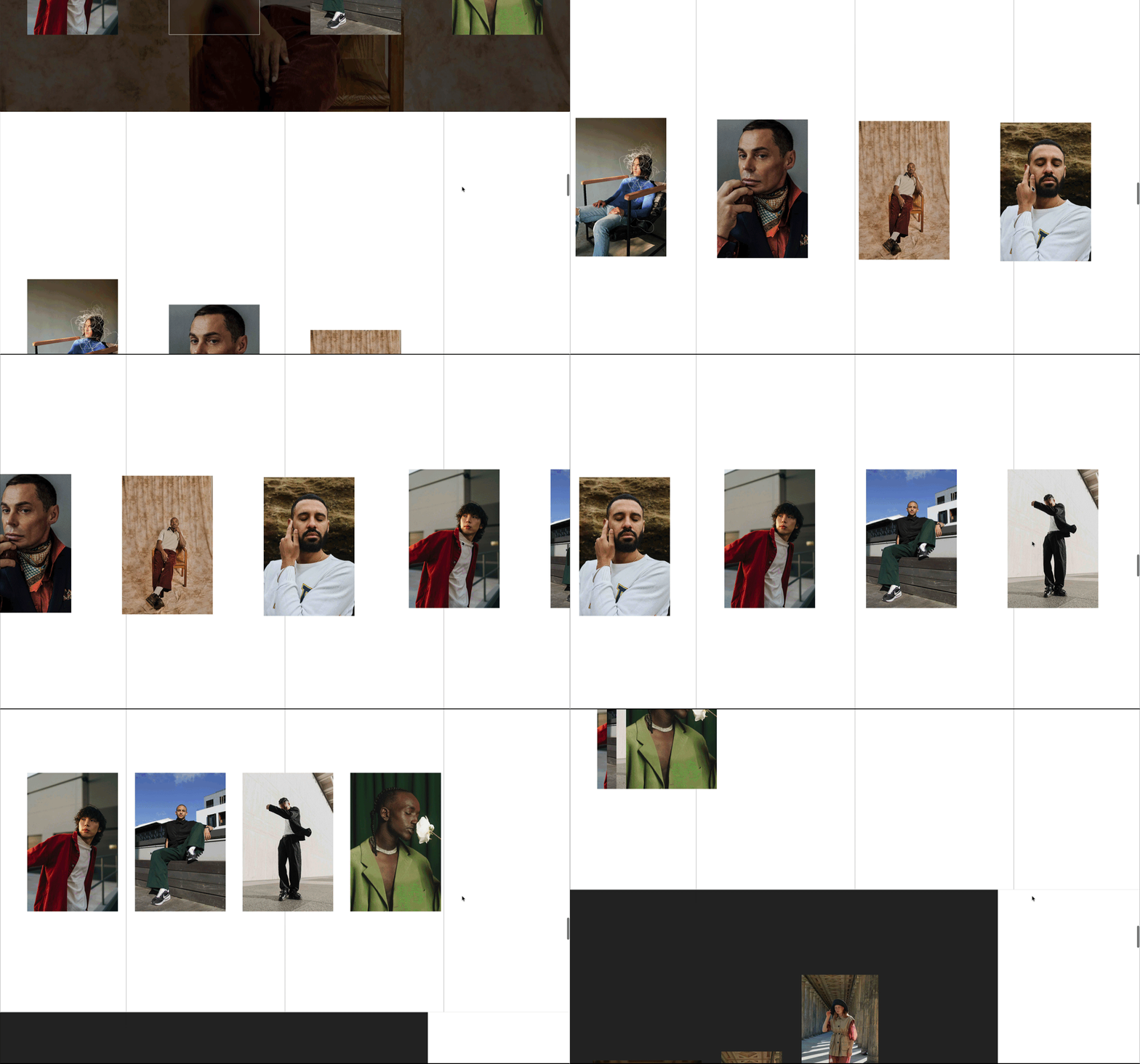
Horizontal Scrolling creates one of the most visually distinctive experiences you can build inside Squarespace. With SquareKicker's Horizontal Scrolling tool, you can take this feature to the next level with advanced customization options that are flexible across device sizes. As your visitors scroll through your content, chosen sections will scroll left-to-right (by default) or right-to-left. Mix it up with varied section widths, a slower speed, or by stacking sections to create a unique layered effect!
When combined with Scroll Effects and transparent sections, the results can feel highly custom while still being built visually inside Squarespace.
The real power comes from combining tools
The most interesting website interactions rarely come from a single effect.
A subtle hover state layered with Magnetic Motion.
Horizontal Scrolling combined with Scroll Effects.
Animated typography paired with immersive imagery.
This is where SquareKicker becomes especially powerful for professional Squarespace designers.
Instead of relying on multiple plugins or fragile code injections, you can build highly custom experiences using tools that work together directly inside the Squarespace workflow.
That means:
more creative control
faster builds
cleaner client handoff
fewer technical dependencies
more polished websites
without sacrificing flexibility.
Start experimenting with animation inside Squarespace
Some of the best website interactions start with very small details.
A subtle movement.
A layered scroll effect.
An animated heading.
A more tactile hover interaction.
Once you begin combining animation tools together, the creative possibilities expand quickly.
And because SquareKicker integrates directly into Squarespace, you can focus more on designing experiences and less on maintaining complicated setups.
