

Rotating Images on Scroll
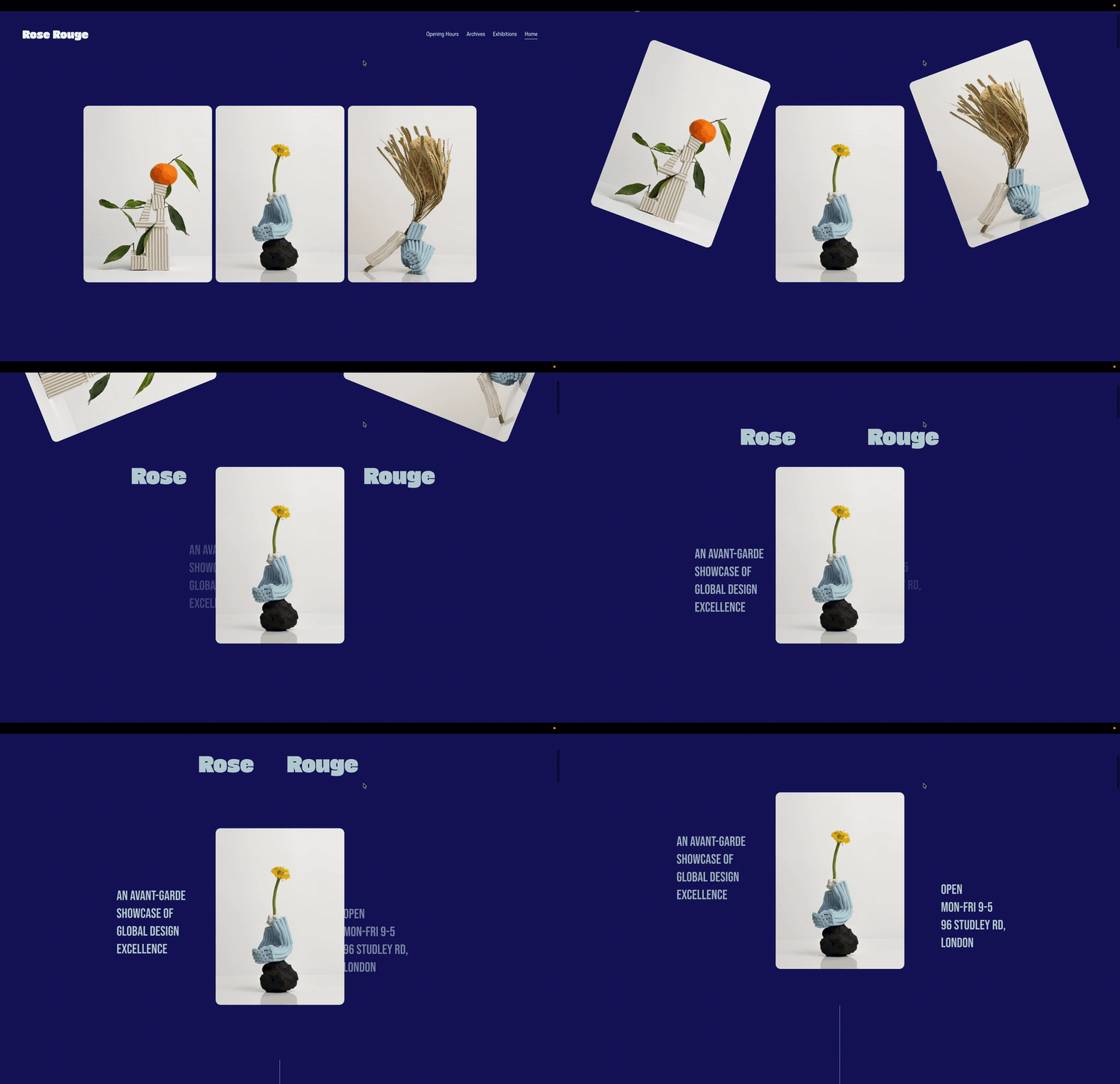
Turn a row of images into an unfolding introduction. In this example, the outer images rotate and move upwards and outwards as visitors scroll, revealing the heading and supporting text around the central image.
SquareKicker’s Scroll Effects lets you coordinate movement, rotation and timing to shape how your layout changes through the scroll. Try it for a product launch, exhibition page or portfolio introduction, opening with a collection of images before drawing attention to one featured piece.
Learn more about using scrolling effects.
