

Video Background Play on Scroll Effect
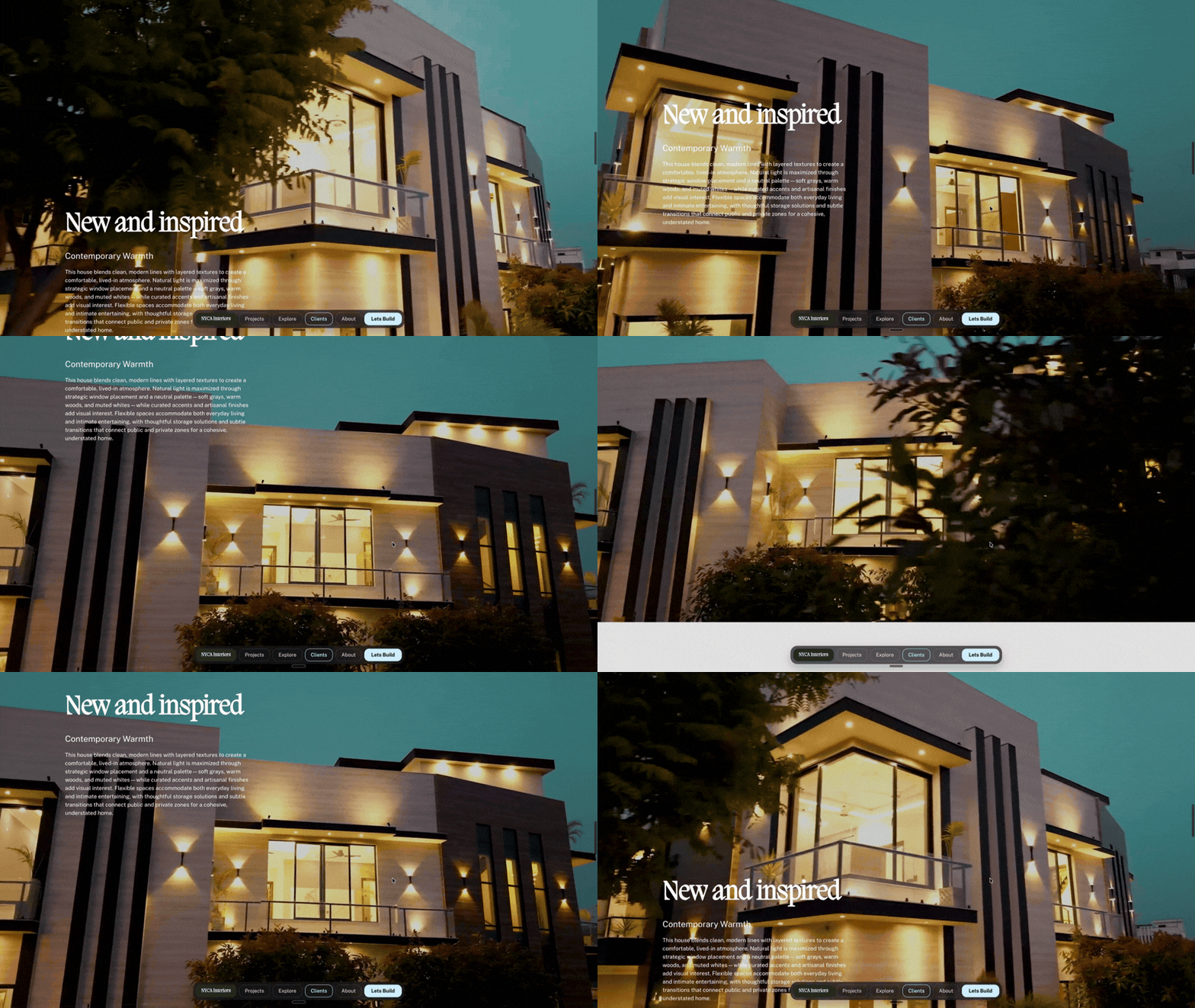
This scroll-driven video effect transforms a standard Squarespace video background into an interactive experience controlled by the visitor’s scroll.
Instead of the background video simply playing automatically, its playback is connected to the scroll position. As the visitor moves down the page, the video progresses with them, creating a smooth, cinematic animation that feels directly tied to the movement of the page.
The effect was created using a standard Squarespace section with a video background. Extra vertical space was added beneath the text to give the section enough scroll distance for the video animation to play out.
The section was then selected with Compose and the video playback was connected to the visitor’s scroll progress.
How it was made
Add a section in Squarespace.
Add your video as the section background (Native Squarespace Video, rather than Youtube or Vimeo)
Add the text or other content you want positioned over the video.
Add enough vertical space below the content to give the section a longer scrolling area.
Select the section with Compose.
Ask Compose to control the background video playback based on scroll position.
Set the video to progress forward as the visitor scrolls down the section.
Refine the scroll distance and playback timing until the beginning and end of the video align naturally with the section.
If delayed on scroll, ask Compose to pre buff the video so that it loads smooth with out any juttering.
For a full walkthrough, watch Create a video on scroll in Squarespace with Compose.
Starting Prompt:
I want this background video to play on scroll. Keep the video on the first frame and do not play until the top of the section reaches the top of the screen. Then make the section sticky and play through the video, triggering on frames connected to scroll position as I scroll down the screen. Make the video 100% width and 100% height filling the viewport. The content I have on the section should scroll. up while the background video section is fixed and playing on scroll. When video has finished playing, then unstick the section and make it scroll normally away.Note: Not all generations will be identical and may require additional prompts.
