

Floating Glass Secondary Navigation with Anchor Links
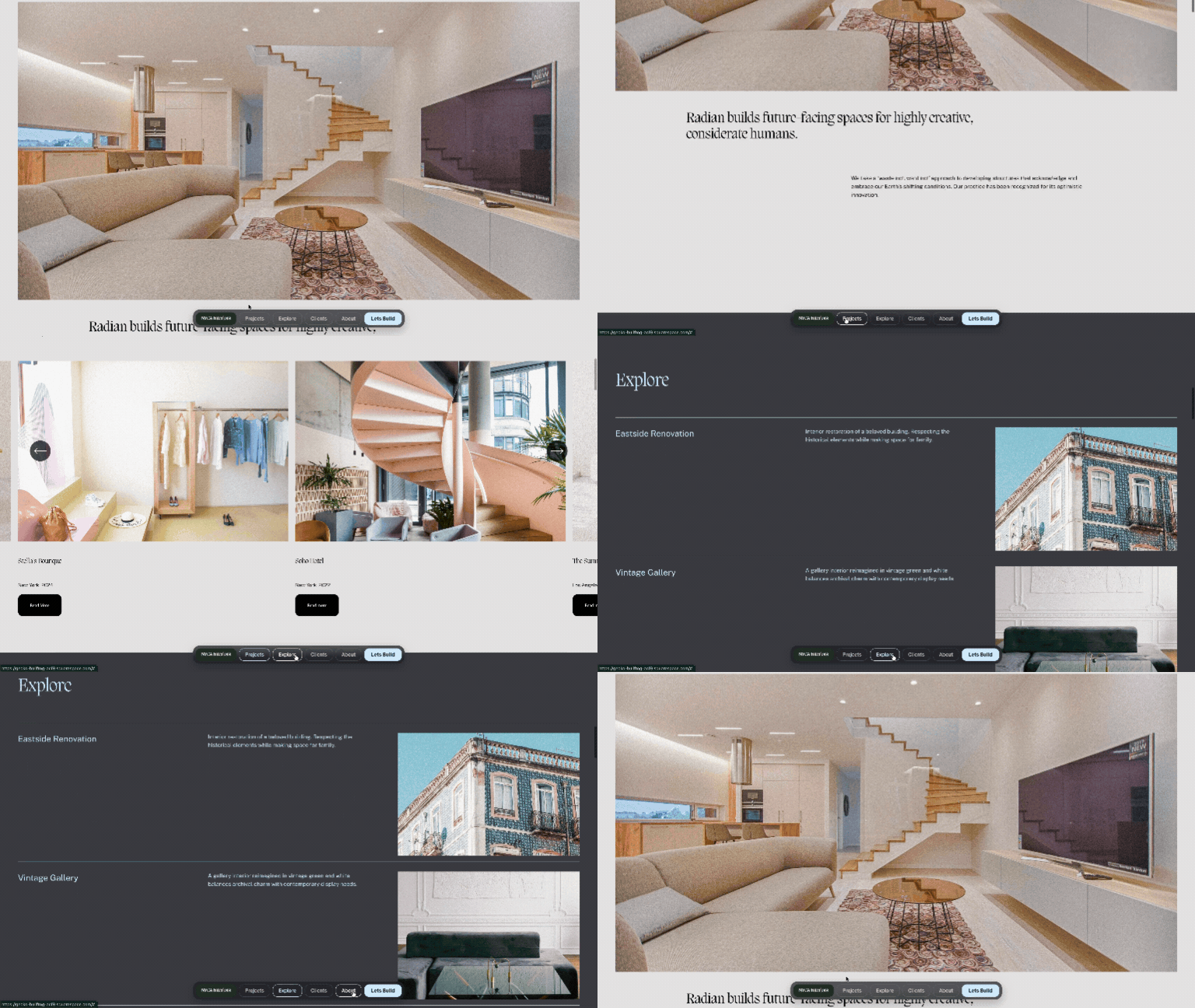
Create a floating secondary navigation menu in Squarespace with smooth scrolling, active section highlighting and a glass-style design. Built with Compose, this custom navigation automatically uses your section anchor link IDs to create page links, highlights the section currently in view and includes a prominent call-to-action button.
Setup:
Add Squarespace section anchor links to all your sections you want in your secondary navigation. The id’s of the anchor links should be the name of what you want to appear in your secondary navigation.
Starting Prompt:
Build a floating secondary navigation bar for this page. It sits pinned near the bottom, centered, with a dark glassy transparent background. On the far left, show my site title as a logo in a dark tile, same text size as the menu links. Clicking it smoothly scrolls back to the top. Next to it, a horizontal row of anchor links to the sections on this page. Find the names of the ID’s of the sections.
Each link has a faint 20% border by default. On the end, a solid "Lets Build" button in my bright accent color variable that jumps to the “Contact” section. As I scroll, whichever section is in view lights up active, its link border and text switch to my bright color variable. Hovering a link brightens its border to match the light text color. Clicking any link (or the logo) triggers a smooth eased scroll to that section. Use my site color variables, dark behind the logo, the bright color for the active state text and borders as well as the for the end button, and a transparent dark glass color for the bar itself. Use the smallest font size on my site throughout.
Note: Not all generations will be identical and may require additional prompts.
