


Video Lightbox lets visitors watch YouTube or Vimeo videos in a popup without leaving the page.
Any button or link on your Squarespace site can trigger the lightbox, making it useful for showreels, tutorials, testimonials, product videos and portfolio work.
How it works
Add your YouTube or Vimeo URL to a button or link as normal, then enable Lightbox with SquareKicker.
When clicked, the video opens in a focused overlay above the page instead of sending the visitor away to YouTube or Vimeo.
Setup
Add a button or link to your Squarespace page.
Add the YouTube or Vimeo video URL.
Open SquareKicker and enable Lightbox for that link.
Use Lightbox Settings to customise the appearance of the popup.
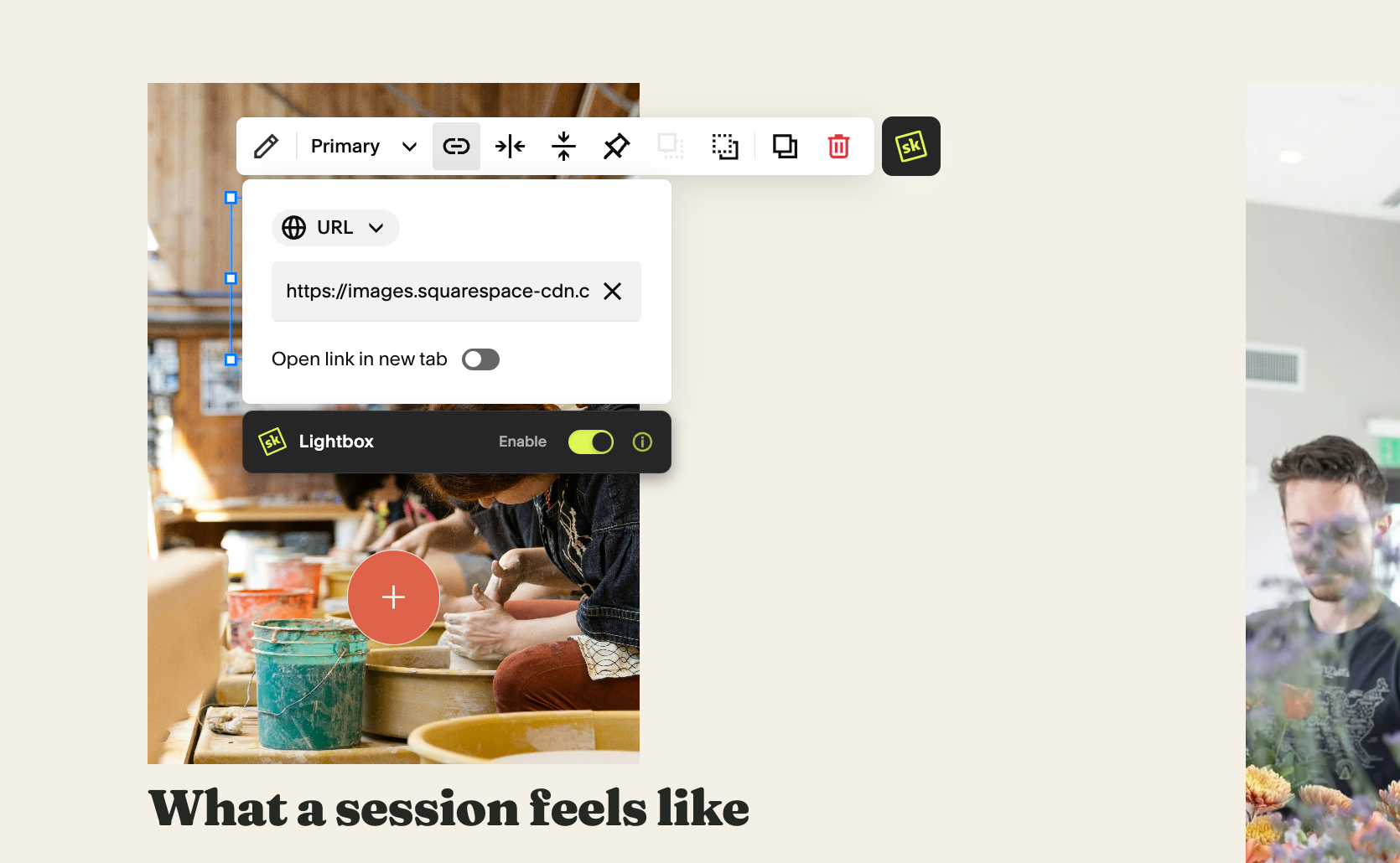
Full Tutorial
Watch the full Lightbox tutorial for a complete walkthrough of the setup, styling options and other ways you can use SquareKicker Lightbox across your site.
