Looking for animation ideas for your next Squarespace project? From subtle hover effects and animated typography to immersive scrolling layouts and interactive portfolio sections, there are countless ways to add movement without relying on custom code. In this guide, we'll explore creative animation techniques you can build with SquareKicker to create more engaging, polished, and memorable websites for your clients.
Discover how top designers build SquareKicker into their pricing models, increase efficiency, and deliver more custom, high-end websites—without complicating their pricing or passing costs directly to clients.
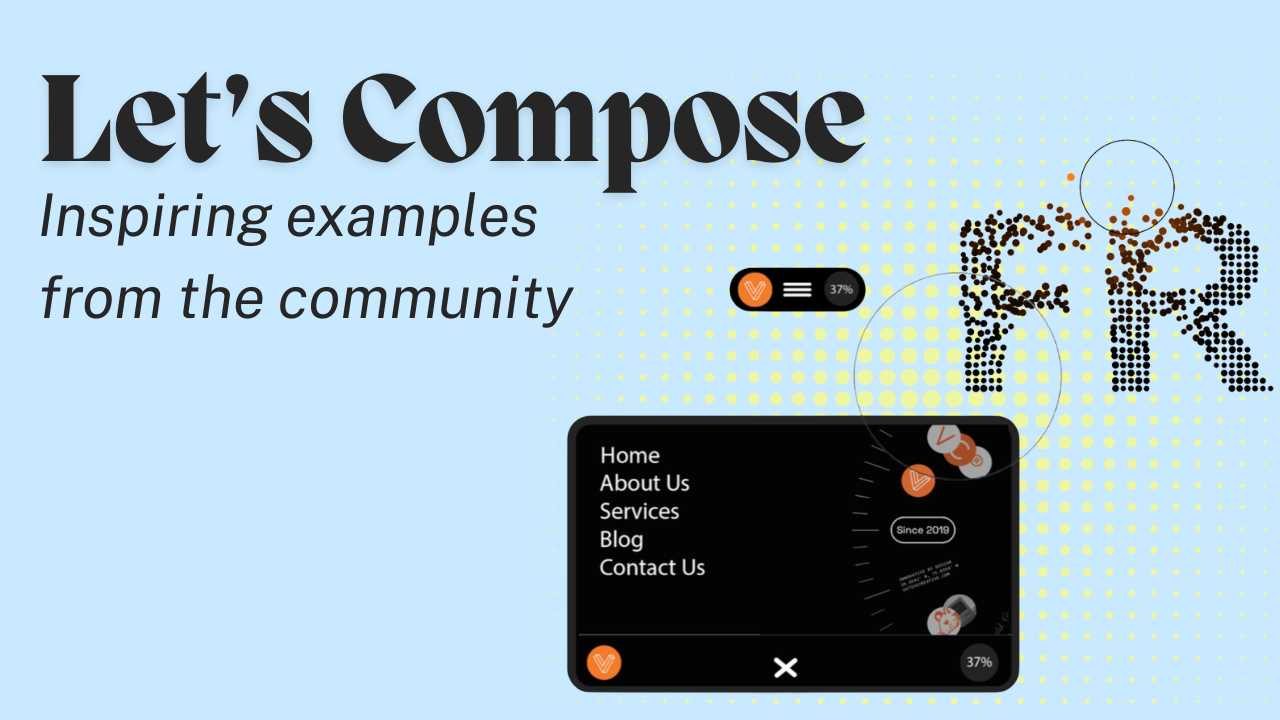
Learn how to use Compose in SquareKicker to create custom layouts, animations, interactions, and more inside your Squarespace website. Compose is your AI-powered design partner right inside Squarespace. This guide covers the workflow, element selector, version management, visual references, and tips for generating successful results.
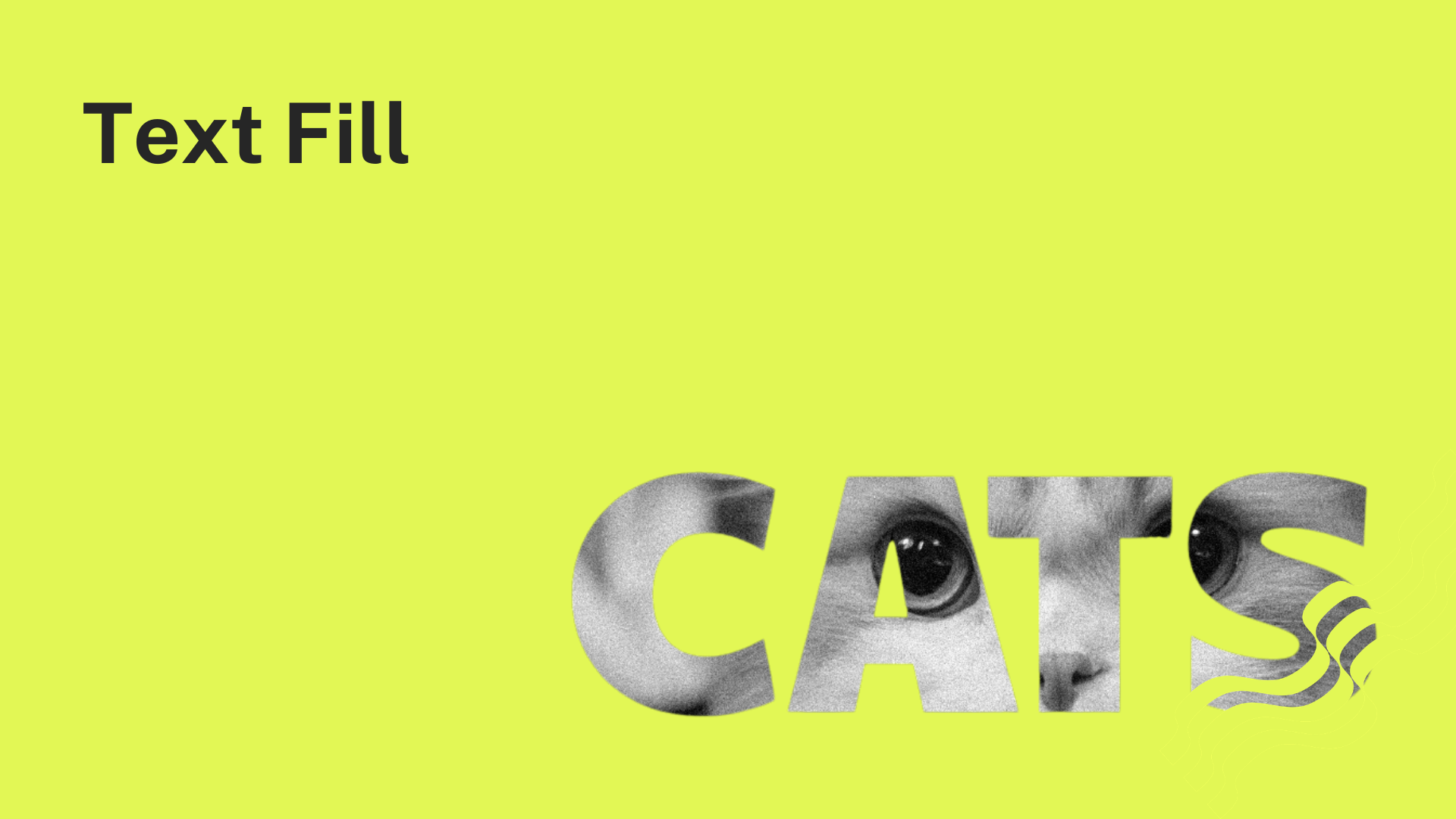
Create typography that becomes part of your design with SquareKicker’s Text Fill tool. Learn how to fill text with images, apply gradients, animate color transitions, and even use GIFs to create bold, eye-catching typography in Squarespace, all with visual controls inside your existing workflow.
Learn how to create a striking text mask video effect in Squarespace using SquareKicker. This step-by-step guide shows you how to combine background videos, Fixed Scrolling, and Stencils to achieve a high-end visual effect in minutes. Use these tools to create a custom hero section where a video appears to be showing through your heading. It only takes a few clicks!